
INTEGRATIONS
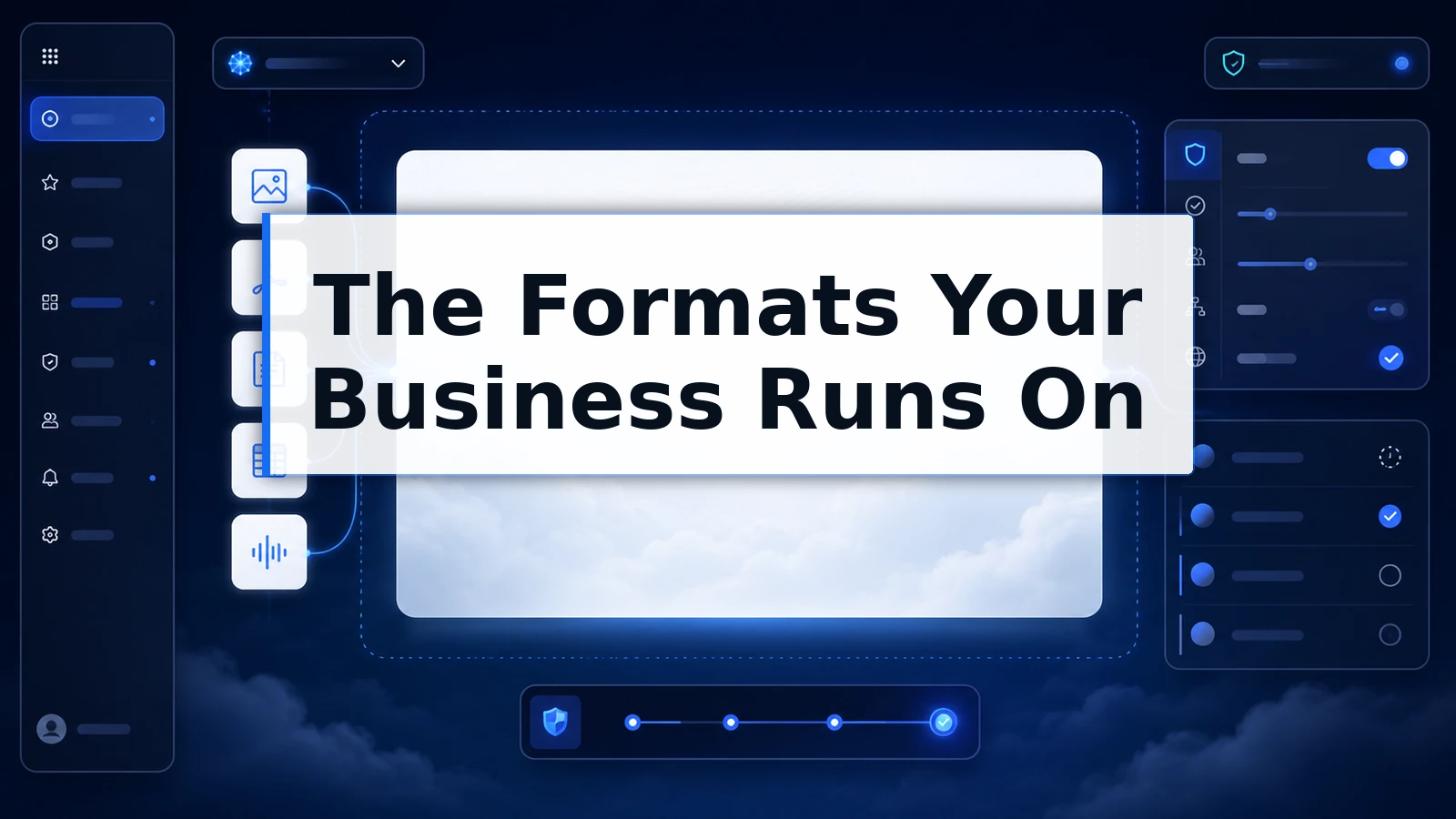
Files: The Formats Your Business Runs On, Connected
Business work arrives as files: the scanned contract, the financial model, the recorded call. ThinkFreely brings them into governed AI work directly, in the formats they already have.

Supported formats, shipped
Five categories cover the overwhelming majority of business files, and all five are live in current product.
Images. The site photo, the whiteboard shot, the diagram: visual material joins the work as something AI can read and reason about.
PDFs. The format contracts and reports actually arrive in, handled as whole documents rather than fragments someone retyped.
Word documents. DOCX comes in with its structure intact, ready for redlines, rewrites, and extraction.
Spreadsheets. XLSX arrives as data, not a screenshot of data, so the analysis begins where the numbers live.
Audio. The recorded meeting and the client call stop being dead files and start being source material.
From upload to output
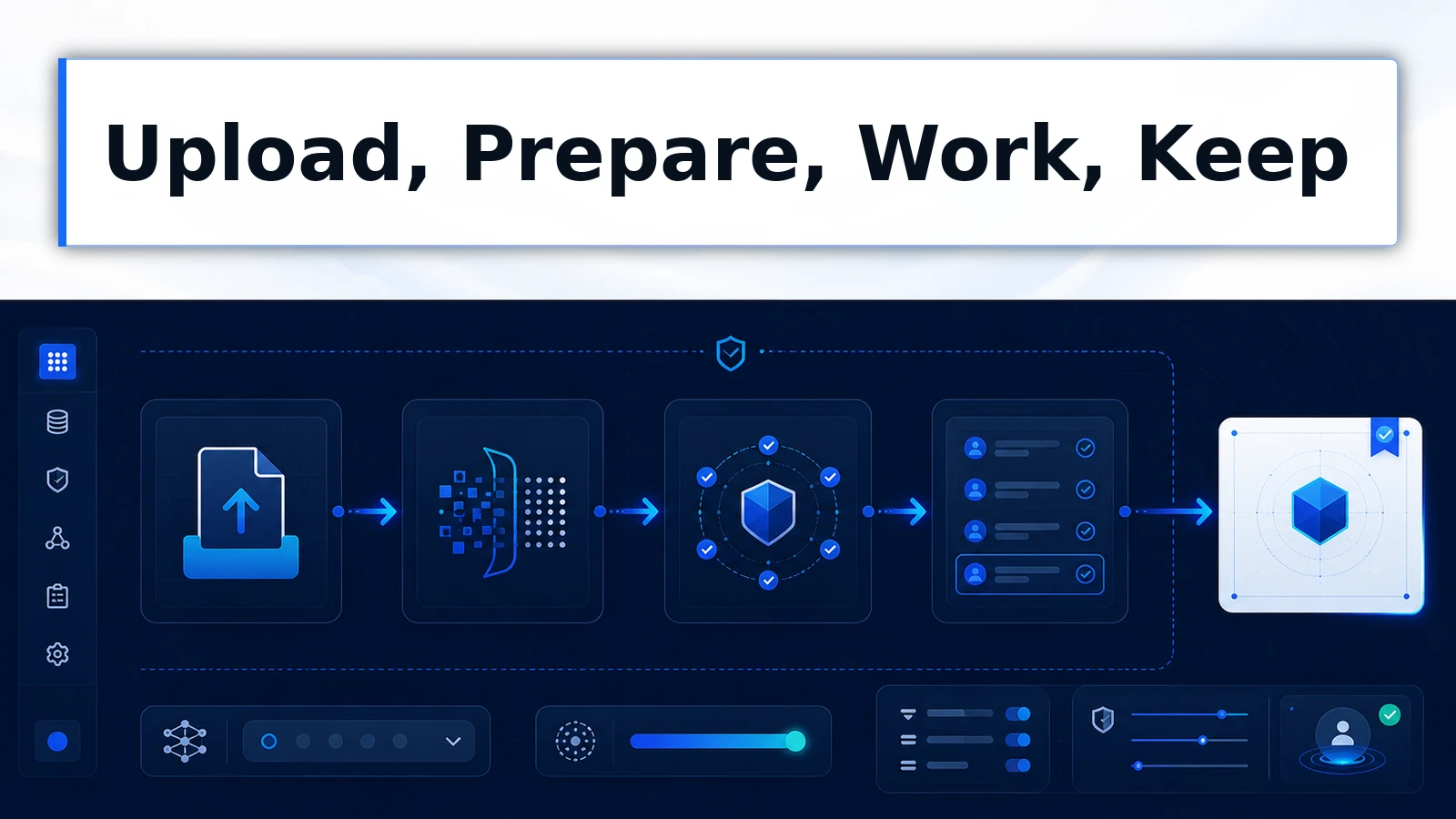
File integration in ThinkFreely is a pipeline, not a parser.
Preprocessing handles intake, converting each upload into context the conversation can use without manual preparation. From there the file lives inside governed conversations and projects, subject to organizational rules like everything else in the workspace. And the output end produces artifacts: extractions, summaries, and deliverables that stay with the work that generated them.
The result is that file-heavy workflows, contract review, report analysis, inspection documentation, run end to end in one governed place.
Why the governed path matters for files
Files are where sensitivity concentrates. The contract, the financials, the client recording: the documents most worth bringing to AI are usually the ones least safe to bring through a personal tool.
Today, in most organizations, they travel anyway: screenshots into personal accounts, excerpts retyped into whichever chat tool was handy. The choice was never files-with-AI or files-without. It was governed path or ungoverned path.
ThinkFreely’s file integration is the governed path. Uploads enter a workspace with access rules, project boundaries, and routing policy, so the sensitive document gets AI’s help inside the organization’s rules instead of outside them.
What file integration provides
-
Five format categories, live
Image, PDF, DOCX, XLSX, and audio support are shipped in current product, covering the files business workflows actually produce.
-
Automatic preprocessing
Every upload is prepared for use automatically, with no manual conversion standing between the file and the work.
-
Governed from intake
Files enter organizational rules the moment they enter the workspace: access, membership, and data boundaries apply from upload onward.
-
Artifacts out
The output end of the pipeline is a kept deliverable, an extraction, a report, a summary, not an answer buried in a transcript nobody revisits.
Where file work goes next
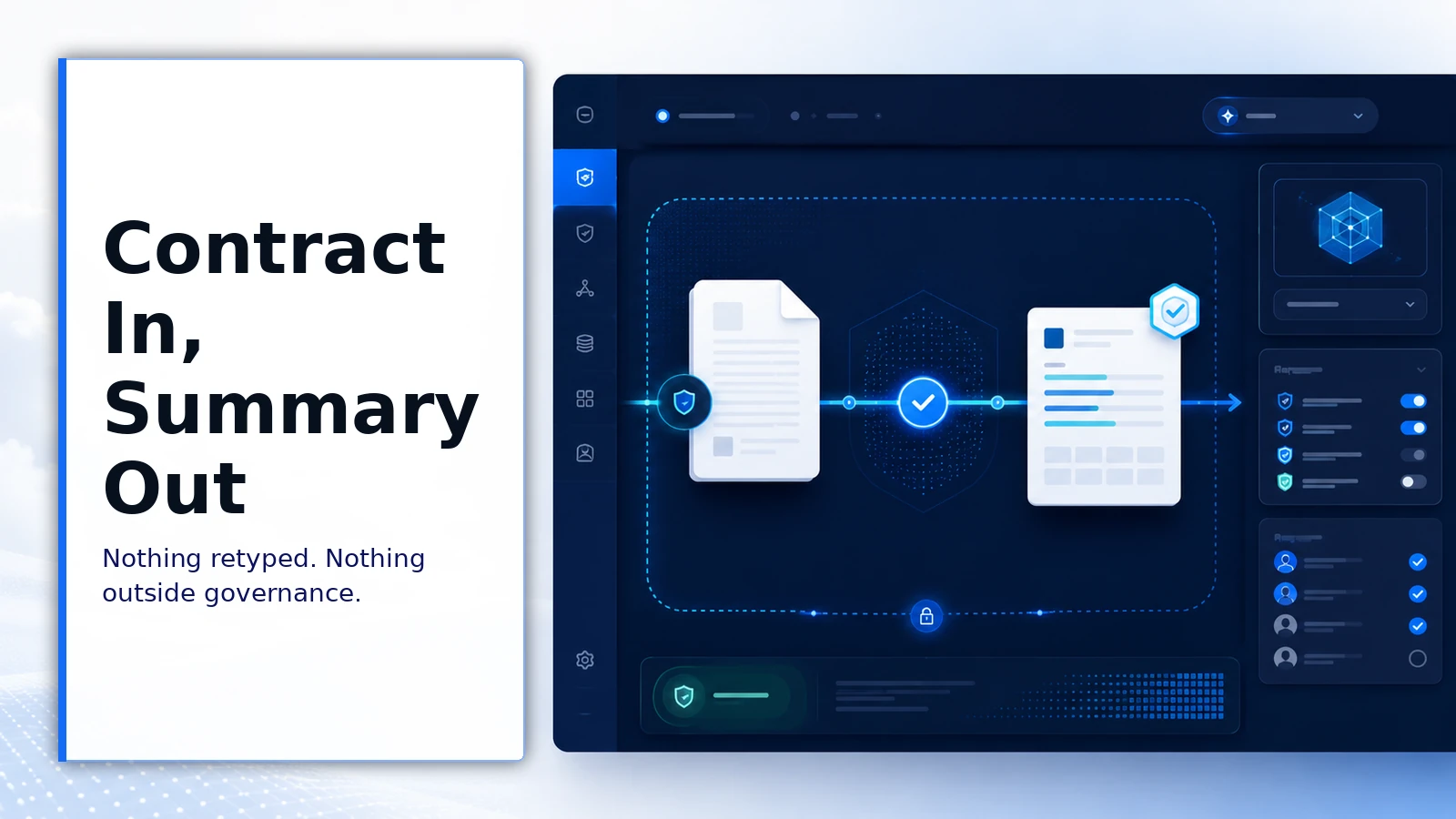
File integration compounds with the rest of the layer. Files attached to projects become standing context every conversation in the effort inherits.
Skills built around document workflows carry their method to everyone who runs them. And usage records make file-heavy workflows as accountable as everything else in the operation. The upload is the entry point; the operating layer is what the file enters.
Practical notes for evaluation
Bring real files to the demo: your actual contract format, your actual spreadsheet, a genuine recording. File integration is the easiest capability to evaluate concretely, and the difference between a demo document and your everyday workload is worth seeing before you decide.
For the deeper treatment of how understanding works and where its limits are, the file understanding capability page covers the discipline in full.