
GOVERNED AI WORKSPACE
A governed AI workspace your teams can actually use.
ChatFreely is the user-facing AI workspace inside the ThinkFreely ecosystem. It gives employees a familiar place to ask questions, draft content, analyze files, work inside projects, and use approved AI capabilities while the organization keeps control over models, tools, privacy rules, access, and usage.
The goal is simple: give teams a practical alternative to unmanaged public AI tools.
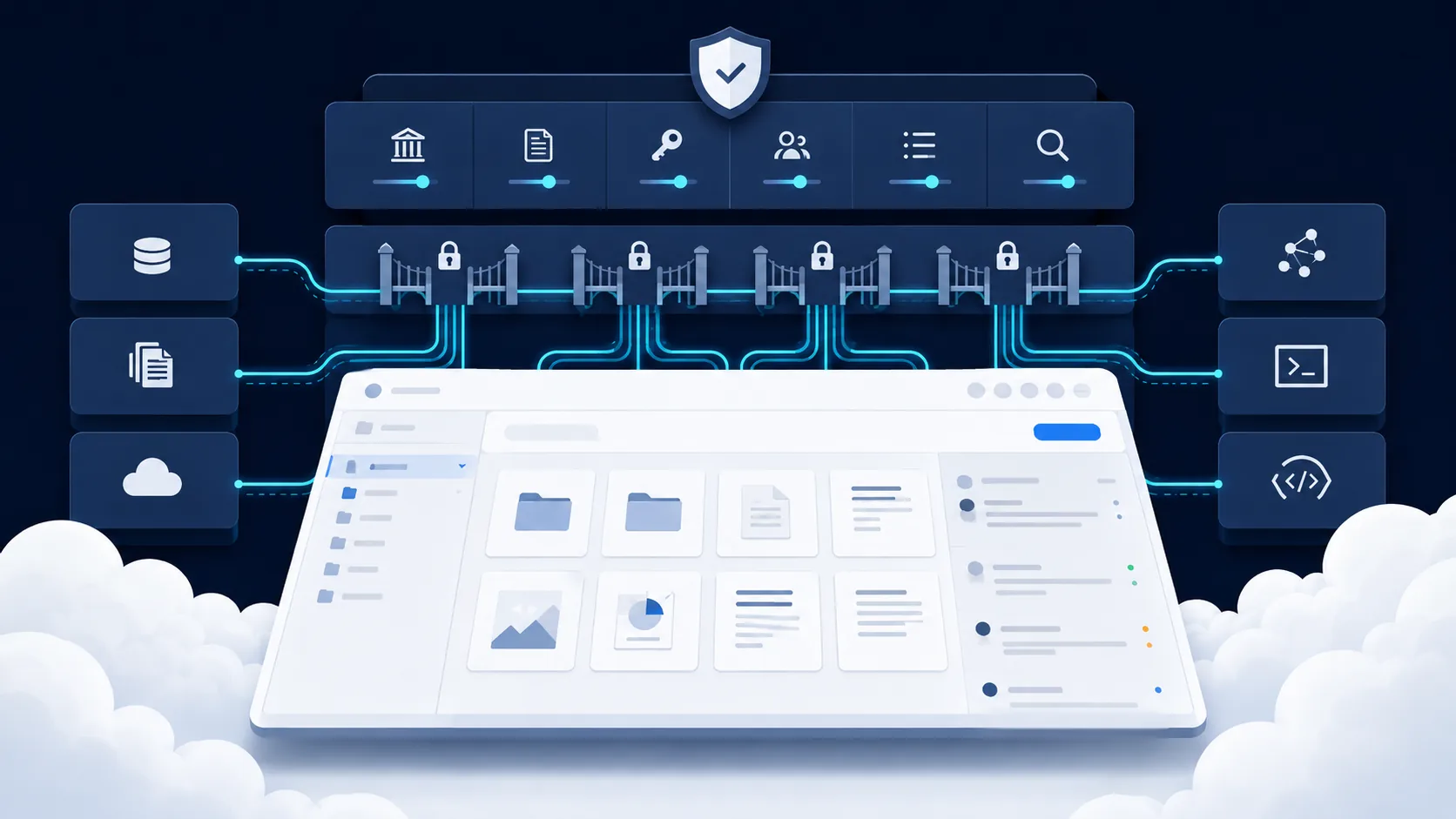
The approved alternative to shadow AI
Shadow AI usually happens because employees are trying to get work done. They use the tools that are easiest, fastest, and already available. Banning those tools without offering a useful replacement often pushes usage further out of sight.
ChatFreely is designed to solve that adoption problem from the user side. Employees get a simple AI workspace. Leadership gets a governed environment that can connect to RouteFreely for routing, usage visibility, access policy, data-boundary handling, and approved model selection.
This matters because governance fails when the approved path is harder than the unmanaged path.
Familiar experience, company-managed control
ChatFreely should feel familiar to users who already understand modern AI chat. The difference is what happens behind the scenes.
Instead of every user choosing tools and models independently, ChatFreely can be shaped by company policy:
- which models appear for which users or groups
- which projects are available
- which files may be uploaded or referenced
- which tools can be activated
- which workflows use reusable skills
- which requests should follow privacy-aware routing
- which usage is tracked for cost and governance
The user should not need to understand the full routing architecture to benefit from it. They should simply have an approved workspace that works.
Projects for real work
AI work rarely happens in a single prompt. Teams need continuity around clients, departments, campaigns, proposals, procedures, product ideas, research, policies, and internal initiatives.
Projects give users a way to organize AI work around a real business context. A project may include instructions, files, conversation history, preferred skills, approved tools, and model behavior expectations.
That makes ChatFreely more than a chat box. It becomes a controlled working environment for AI-assisted tasks.
File understanding with boundaries
Users want to bring documents, notes, spreadsheets, policies, reports, contracts, and source materials into AI workflows. That is useful, but it also creates data-boundary risk.
ChatFreely should make file use practical while supporting the governance layer around it. The system direction should distinguish between low-risk files, internal files, confidential material, and data that requires stricter routing or review.
The message should not be “upload anything.” The message should be “work with files inside a governed environment.”

Reusable skills instead of repeated prompting
Teams often repeat the same prompt patterns: summarize this call, draft this proposal, rewrite this in our brand voice, evaluate this support issue, check this document against a policy, or turn these notes into a client update.
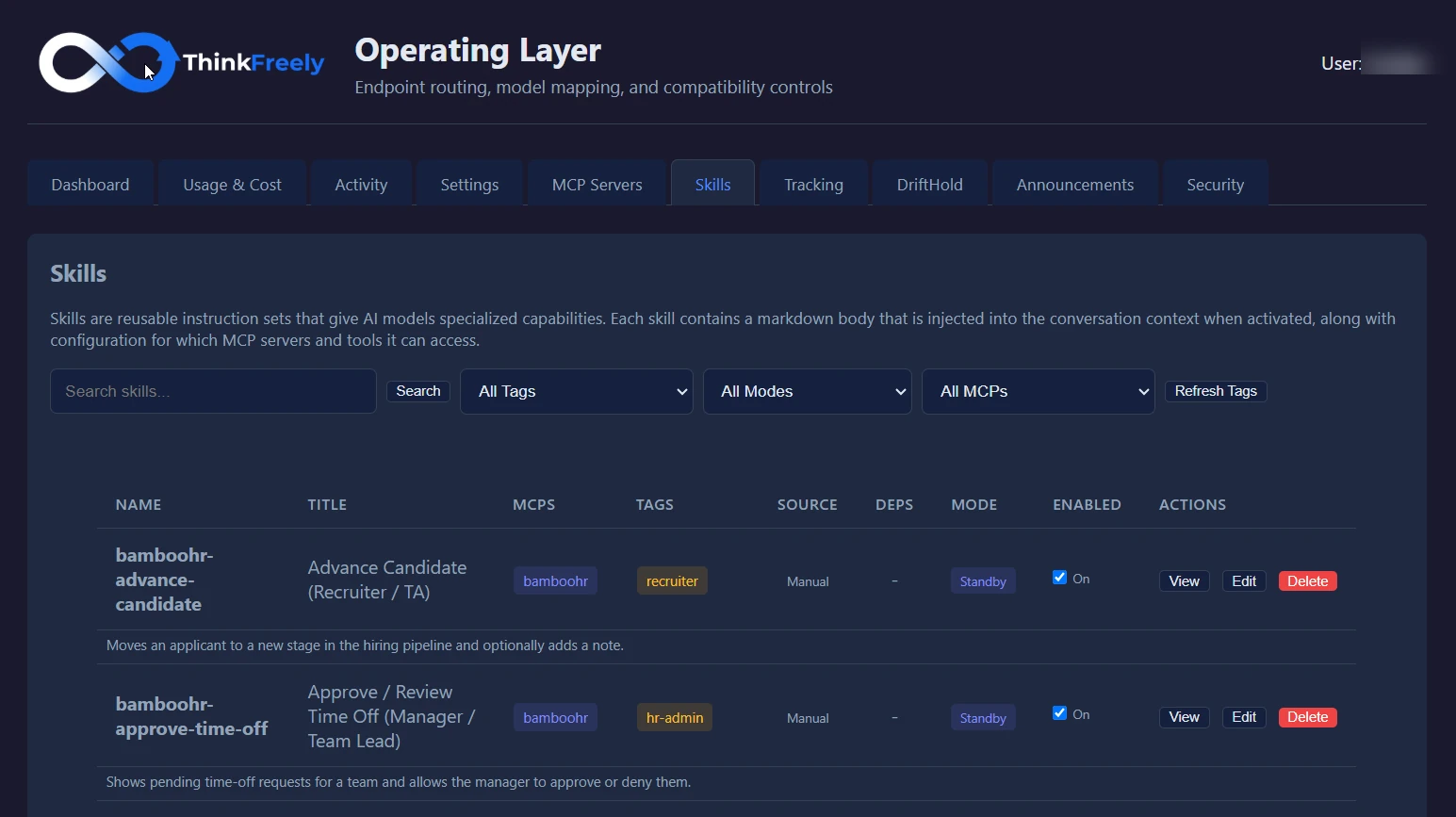
ChatFreely can expose reusable skills so employees do not have to recreate expert prompting every time. A skill can encode instructions, standards, process steps, tool dependencies, and approved usage patterns.
Examples include:
- a sales proposal drafting skill
- a brand voice writing skill
- a support escalation summary skill
- an internal policy review skill
- a meeting-to-action-plan skill
- a cost-conscious summarization skill
Skills help make AI work more consistent, trainable, and governable.
The skills library your teams draw from
Skills package repeatable work as governed workflows anyone approved can run. This is the library view your teams see inside ChatFreely.
RouteFreely behind the scenes
ChatFreely is strongest when paired with RouteFreely. The workspace is where employees work. RouteFreely is the control layer that helps decide where the work goes.
A user may ask for a public blog outline, a sensitive HR summary, an engineering review, or an image description. Those tasks may deserve different models, privacy paths, cost profiles, and tool permissions.
RouteFreely gives ChatFreely the ability to support that difference without forcing users to manually manage every technical choice.
Governance without friction
Good governance should feel like helpful structure, not a wall. ChatFreely should support clear user guidance when a request is restricted, expensive, sensitive, or better suited to another model.
Examples of useful workspace guidance:
- “This project uses a private route because it contains confidential material.”
- “This model is not available for your group.”
- “This request may exceed the configured cost threshold.”
- “This tool requires activation before use.”
- “Upload is restricted for this data category.”
The user stays informed. The organization stays in control.
When ChatFreely fits
ChatFreely is a strong fit when:
- employees are already using public AI tools
- leadership wants an approved workspace
- teams need project-based AI work
- departments need reusable skills
- file analysis needs governance
- AI access should vary by role or group
- the company wants usage visibility without killing adoption
It is not meant to replace every specialized application. It is meant to create a governed home base for everyday AI work.

What makes the workspace adoptable
- The workspace has to be easier than using personal public tools.
- Policy warnings should teach users what to do next, not simply block them.
- Projects and skills should map to real department work, not abstract AI categories.
Roll it out in stages, not all at once
ChatFreely earns adoption when you sequence it into real operating decisions. Start with one or two workflows where the stakes are visible: recurring knowledge work, sensitive information, model cost, connected tools, or customer-facing output that would be painful to lose.
First, map the current path. Identify who uses AI today, which model or tool they reach for, what data they include, what instructions shape the work, which systems the workflow touches, and who reviews the result. That gives you a baseline instead of a guess.
Next, decide what should change. Some workflows need RouteFreely routing. Others need cost limits, private handling, MCP restrictions, or reusable skills. Some just need training and clearer rules.
Then review the pattern after rollout. Treat ChatFreely as a repeatable operating review, not a one-time policy document. Look at what usage grew, what costs changed, what risks appeared, what users avoided, and what should be routed differently next time.
What each team gets from it
Different teams will judge ChatFreely by different things.
Executives want AI capability without surrendering strategic flexibility. They care about vendor dependence, budget exposure, operational risk, and whether AI decisions can be explained.
IT and AI platform teams want a control layer they can manage. They care about identity, API keys, model access, provider configuration, compatibility, failover, observability, MCP servers, and the long-term support burden.
Security and compliance teams want clearer data-boundary control. They care about which data can go where, which tools can be called, which users can reach sensitive capabilities, and whether exceptions can be reviewed.
Finance and operations teams want usage they can see and manage. They care about premium-model overuse, cost allocation, workload value, and whether AI is improving work without becoming another uncontrolled operating expense.
End users need the approved path to be practical. If the controlled workspace is harder than the unmanaged one, adoption drifts back to public tools and personal habits.
Measure what makes decisions visible
Useful measures include adoption by team, usage by model, cost by workflow, exceptions by data category, tool activation, blocked requests, repeated prompt patterns, and workflows that need stronger review.
The goal is not dashboards for their own sake. It is making decisions visible. If a team leans on a premium model, leadership should know whether the work justifies it. If sensitive requests keep appearing, you should know whether training, routing, or policy needs to change. If users avoid the approved path, the experience needs to improve.
Measurement also keeps the strategy from going stale. Models change. Pricing changes. Provider policies change. Your workflows change. Good visibility lets you adapt without rebuilding every workflow from scratch.
Judge it by the decisions it improves
ChatFreely gives users a familiar chat experience while the organization keeps control over models, tools, files, projects, usage, and policy. Those controls come from RouteFreely working behind the workspace.
Judge the fit by whether it helps you make better routing, access, cost, privacy, context, and tool decisions. In practice that can mean a governed workspace for everyday users, a routing layer for applications, virtual models for stable internal service names, usage tracking for cost visibility, limits for budget discipline, MCP governance for tool-connected AI, and reusable skills for repeatable work.
Not every organization needs every control on day one. The right starting point is wherever dependence, cost, privacy, or workflow risk is already visible.
Not another generic chatbot
ChatFreely is a governed workspace, not a generic chat window bolted onto a single model. The difference is the control layer around it: routing, model access, data boundaries, usage visibility, and policy.
Being precise about that does not weaken the message. It makes it credible. AI independence here is valuable because it is practical, not because it promises impossible freedom from every constraint.

ChatFreely proof points to evaluate
An evaluation should focus on the daily user experience and the controls behind it. The workspace should make approved AI usage easier than unmanaged public tool usage. That means clear project organization, file handling, model access, reusable instructions, governed skills, appropriate tool access, and visibility for administrators.
The product value is not merely chat. It is a familiar AI workspace connected to your routing, privacy, cost, and governance requirements.
Operating checks for adoption control
Key operating checks:
- which use cases are approved, restricted, or not ready
- who owns the workflow after rollout
- where human review remains required
- how training supports the controlled path
- what usage signals should trigger review