Connect AI to tools without exposing every tool to every user.
MCP governance turns tool-connected AI from a risky convenience into a managed capability with registration, permissions, activation rules, identity context, and observability.
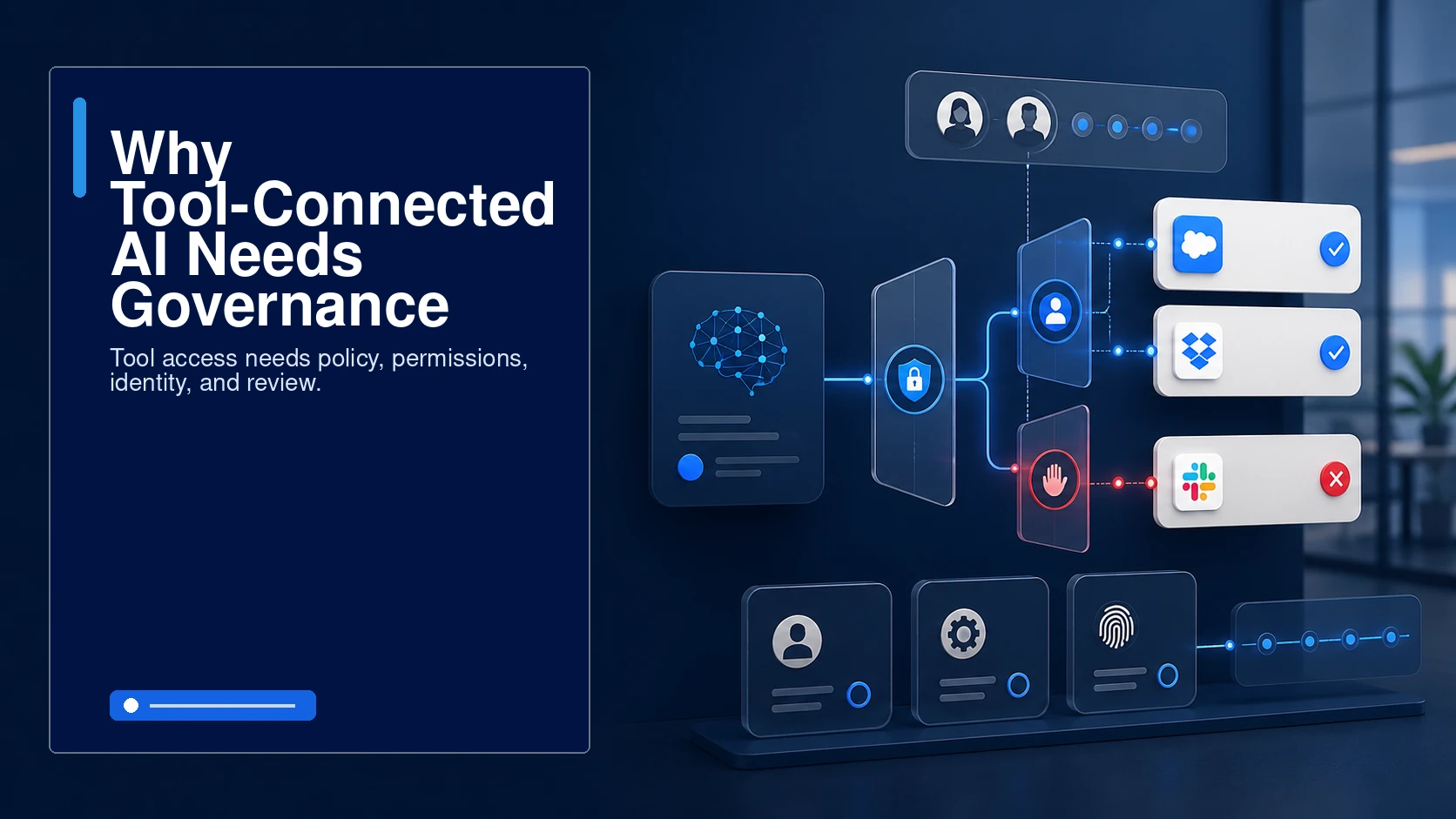
Why tool-connected AI needs governance
A model that can use tools is no longer only producing text. It may retrieve documents, query databases, search customer systems, or trigger operational workflows. That level of access should never be managed by prompt habit alone.
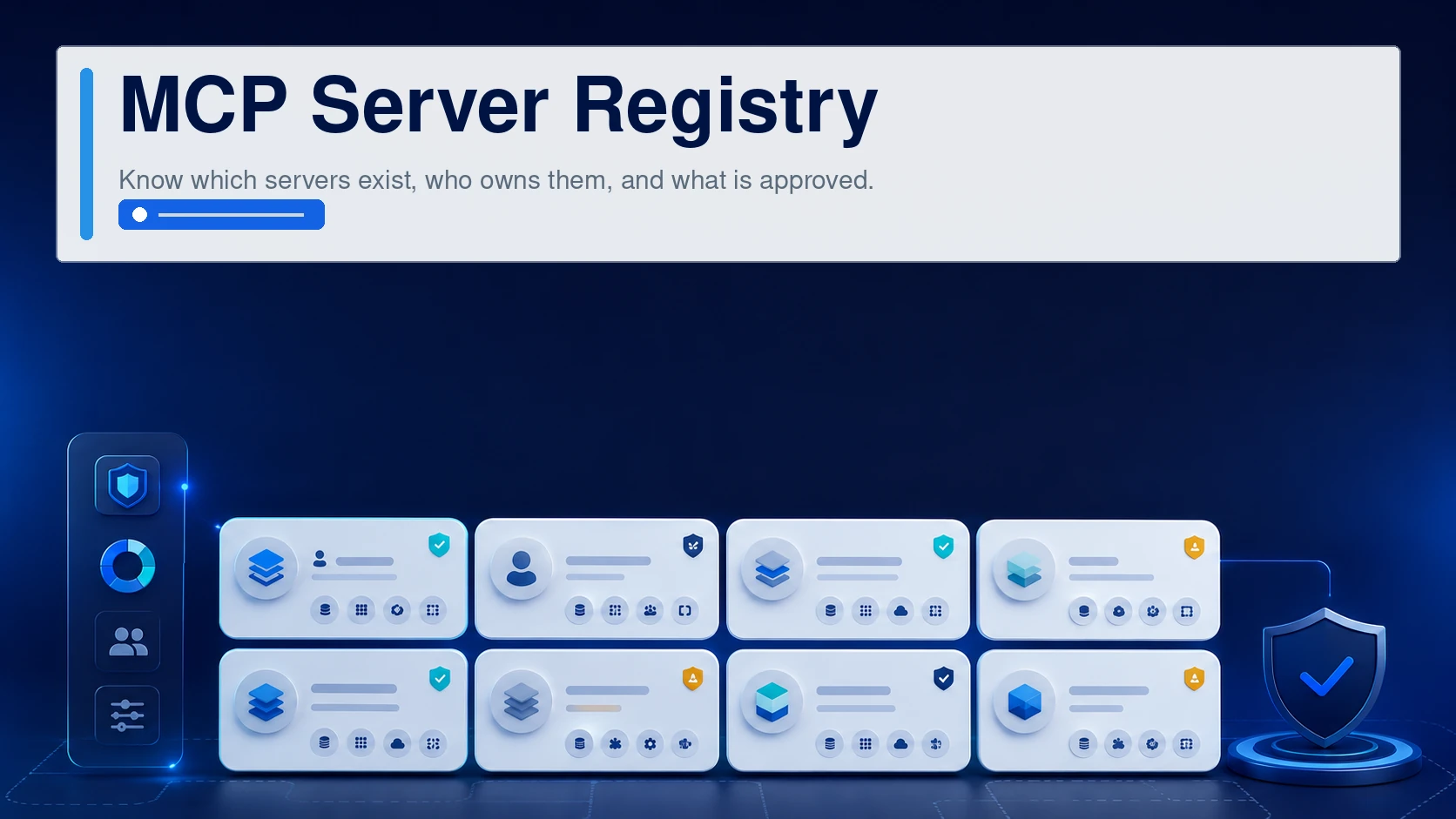
MCP server registry
Administrators need to know which MCP servers exist, what they connect to, who owns them, and whether they are approved.
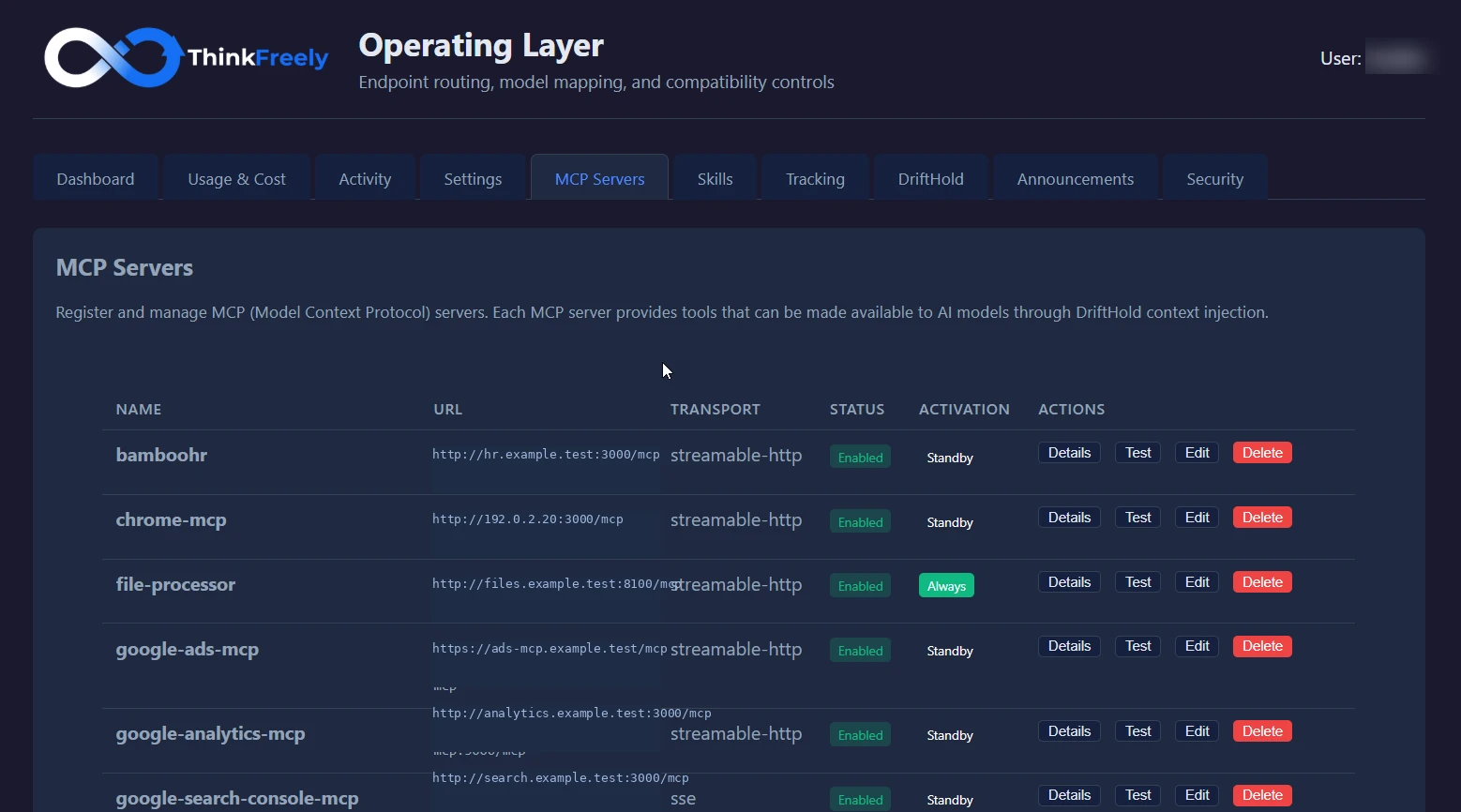
The registry is real, not a diagram
Each MCP server is registered with its URL, transport, status, and activation mode. Governance starts with knowing exactly what is connected.
Tool access control
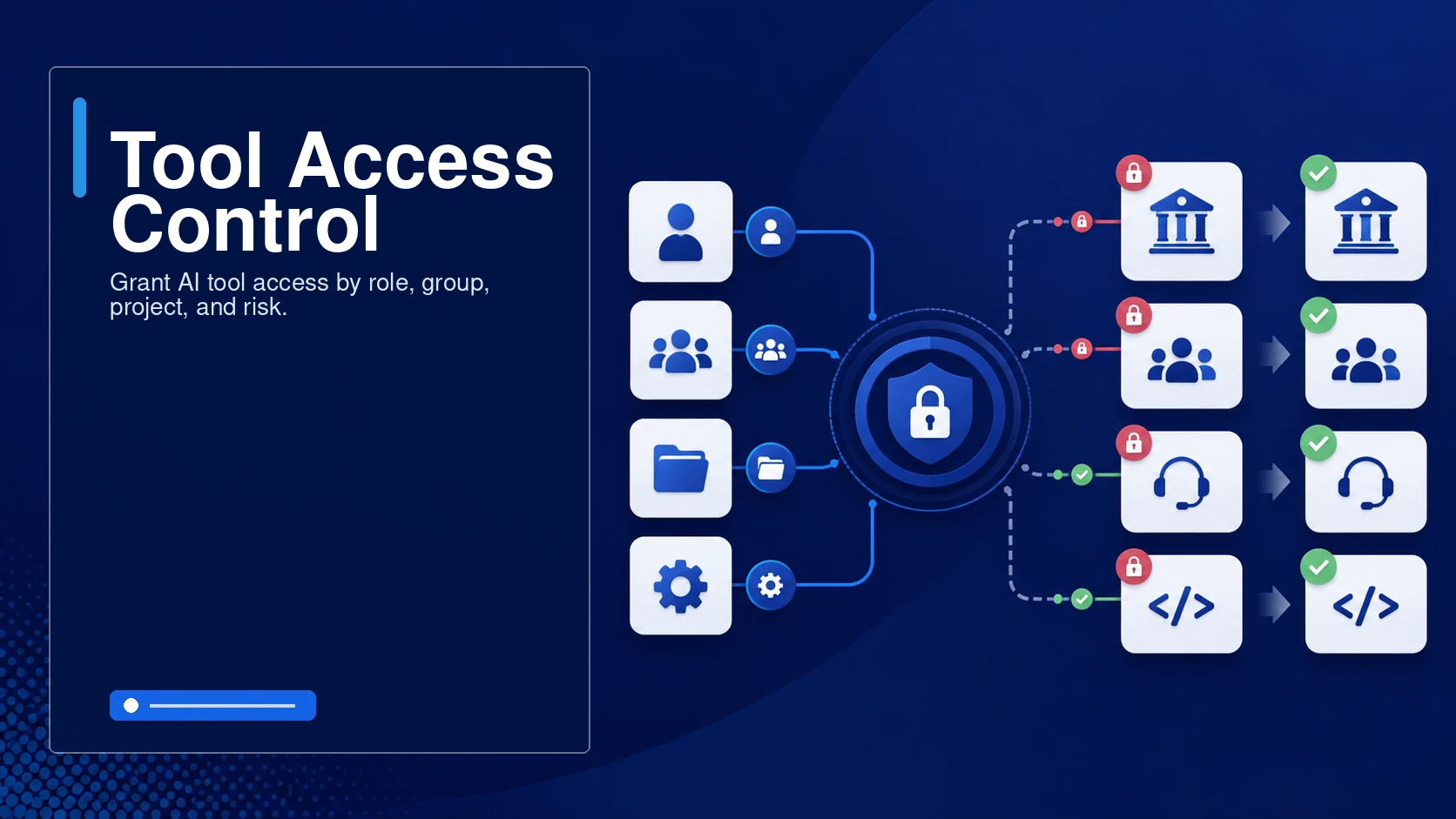
Access should be granted by business need. A finance tool, HR tool, support tool, and engineering tool each have different risk profiles.
role-level permissions
group access
project restrictions
tool-specific rules
Identity and headers
Some workflows need user identity passed through to the downstream system so access, audit, and personalization remain accountable.
Activation modes
Always-on tools increase context load and risk. Activation modes let a tool be available only when needed.
Operational review
Teams should periodically review tool usage, errors, blocked calls, and unused tools to keep the environment clean.
Connected-tool examples
HR system
An HR policy lookup tool may be read-only and restricted to HR users.
Document system
A document search tool may be available company-wide but restricted from confidential folders.
Tool access design questions
Should this tool be read-only?
Should it require confirmation before action?
Should the model decide when to use it, or should the user invoke it?
Should access follow department roles or project roles?
Recommended tool-governance next step
Review your tool governance with us and see how MCP access could be brought under clear policy.
Tool-governance decisions to make
The decisions that matter most: which tools AI can reach, which users or groups can activate each tool, and what identity is passed to connected systems.
Operating checks for connected tools
Key operating checks:
which tools AI can reach
which users or groups can activate each tool
what identity is passed to connected systems
how tool calls are logged
when a tool should be standby, command-activated, or unavailable
Where this controls agentic risk
A CRM lookup tool is available only to the groups that already have permission to view the underlying records.
A high-impact action stays command-activated so the model cannot invoke it casually.