GET STARTED
Request a ThinkFreely demo.
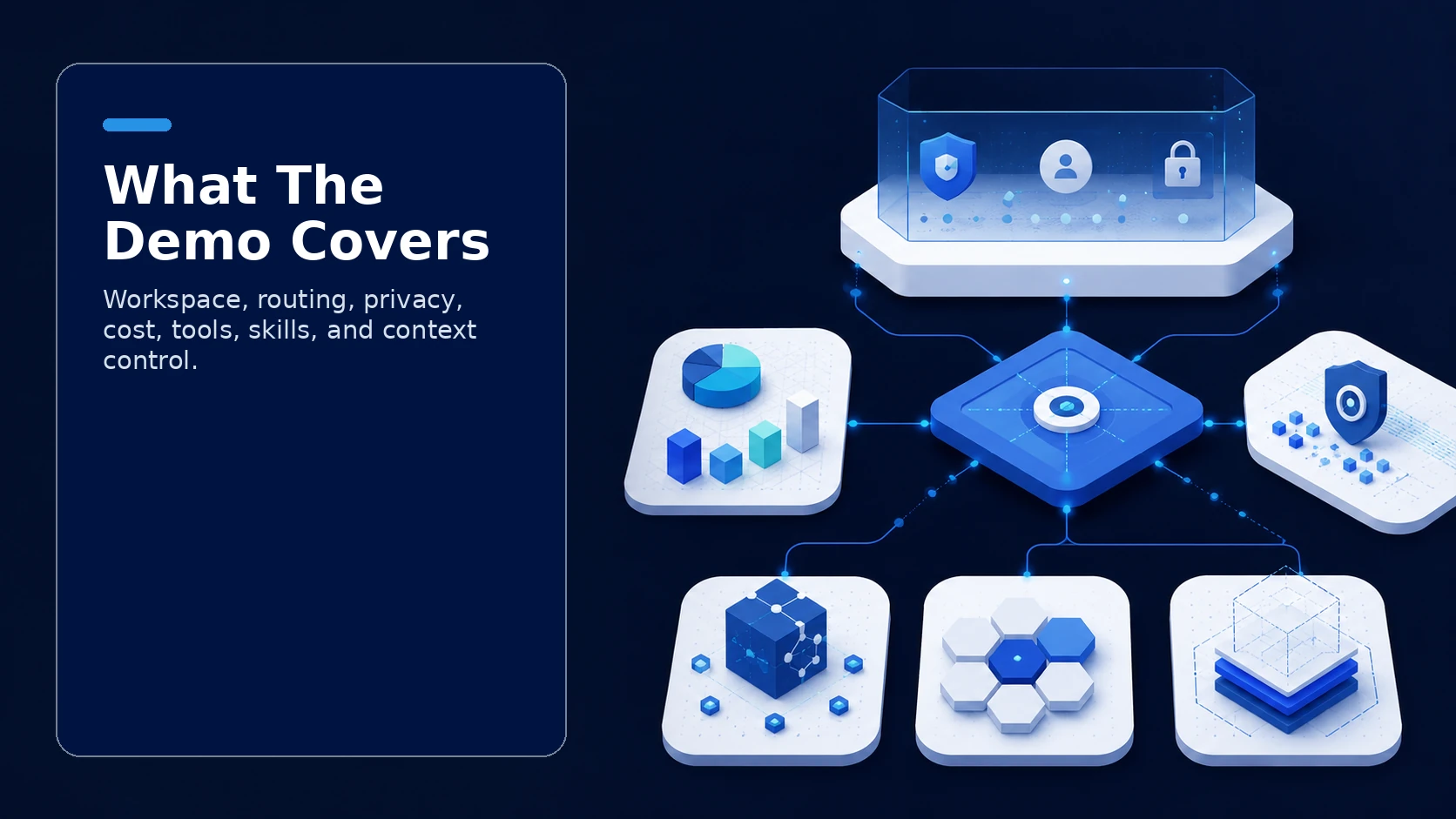
A useful demo should not be a generic product tour. It should show how ThinkFreely applies to the way your organization wants to use AI: the workspace employees need, the models you want to support, the sensitive data you need to protect, the costs you need to see, and the vendor dependence you want to avoid.
ThinkFreely is built around the idea that AI should expand your options, not reduce them. The demo should therefore focus on control: model choice, workspace governance, routing, cost visibility, data boundaries, tool access, reusable skills, and context that can be managed more deliberately.

What the demo can cover
ChatFreely workspace
See how teams can work in a governed AI workspace instead of scattering important work across unmanaged public tools. The workspace conversation can cover projects, files, instructions, approved capabilities, user experience, and how employees can use AI without having to understand every routing decision behind the scenes.
RouteFreely control layer
Review how AI work can be routed based on cost, privacy, capability, policy, reliability, and provider choice. This is especially relevant if your developers already use model APIs, if you want local or private model options, or if you need a gateway between internal systems and model providers.
Cost and usage visibility
Discuss how usage can be tracked by user, model, endpoint, key, or team, and how hard limits, soft limits, model access rules, and routing discipline can reduce unnecessary premium-model usage.
Privacy-aware handling
Walk through how sensitive work can be classified and routed differently from routine work where configured. The goal is not blanket restriction. The goal is clearer data-boundary control before AI usage scales.
MCP tools and reusable skills
Explore how tool-connected AI can be governed through permissions, activation rules, and visibility. Discuss how repeatable work can become reusable skills instead of one-off prompt habits.
What to prepare before the demo
Bring one or two real workflows. The best demo is grounded in actual work: a support process, proposal workflow, internal knowledge task, reporting routine, legal review, customer communication pattern, or application integration.
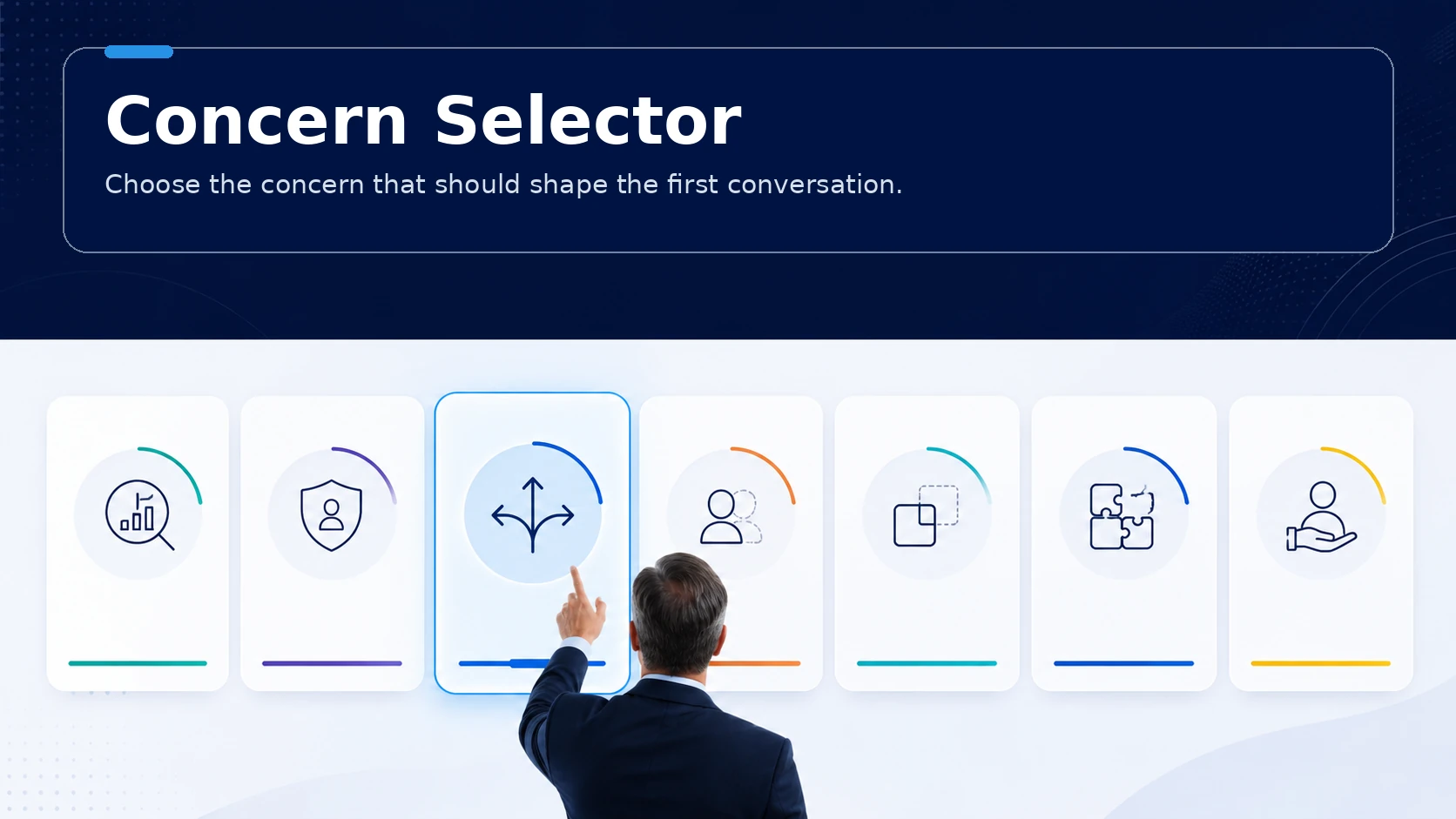
Also bring your main concern. Is the priority cost, privacy, model choice, shadow AI, context portability, technical integration, or implementation support? A clear priority helps shape the demo around what matters most.
Who should attend
A strong demo often includes both business and technical stakeholders. Leadership can evaluate strategic fit. IT can evaluate architecture. Security can evaluate data boundaries. Finance can evaluate cost visibility. Department leaders can evaluate whether employees would actually use the governed path.
Demo outcome
The goal is not to pressure a purchase decision in the first meeting. The goal is to clarify whether ThinkFreely fits your operating problem and whether the next step should be a product evaluation, an implementation assessment, a technical review, or a more focused workflow discussion.
What happens after you reach out
Once we hear from you, we will follow up to schedule a session built around the workflows and priorities you share. Bring the one or two that matter most and we will focus there.
Where it can go from here
From that first conversation, the next step might be a deeper product walkthrough, an implementation assessment, a technical review, or a closer look at a single workflow. You decide how far to take it.
Make a deliberate choice
The aim is simple. Help you see whether ThinkFreely fits your operating problem, so you make a deliberate choice about AI instead of a default one.