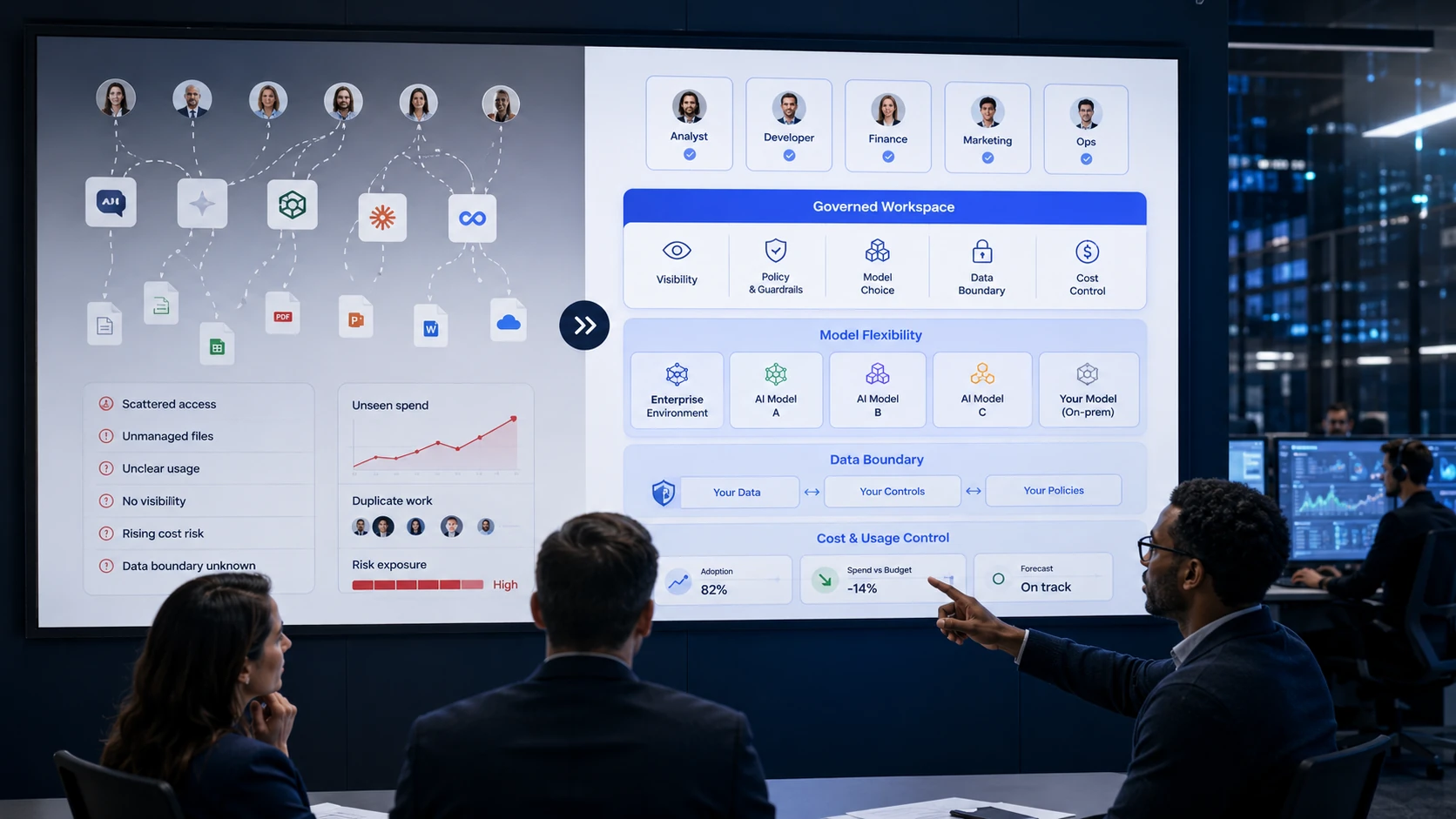
Public AI tools create access. ThinkFreely creates operating control.
Public AI tools are useful for individual productivity. They are not enough when an organization needs visibility, cost control, data-boundary rules, role-based access, and model flexibility.
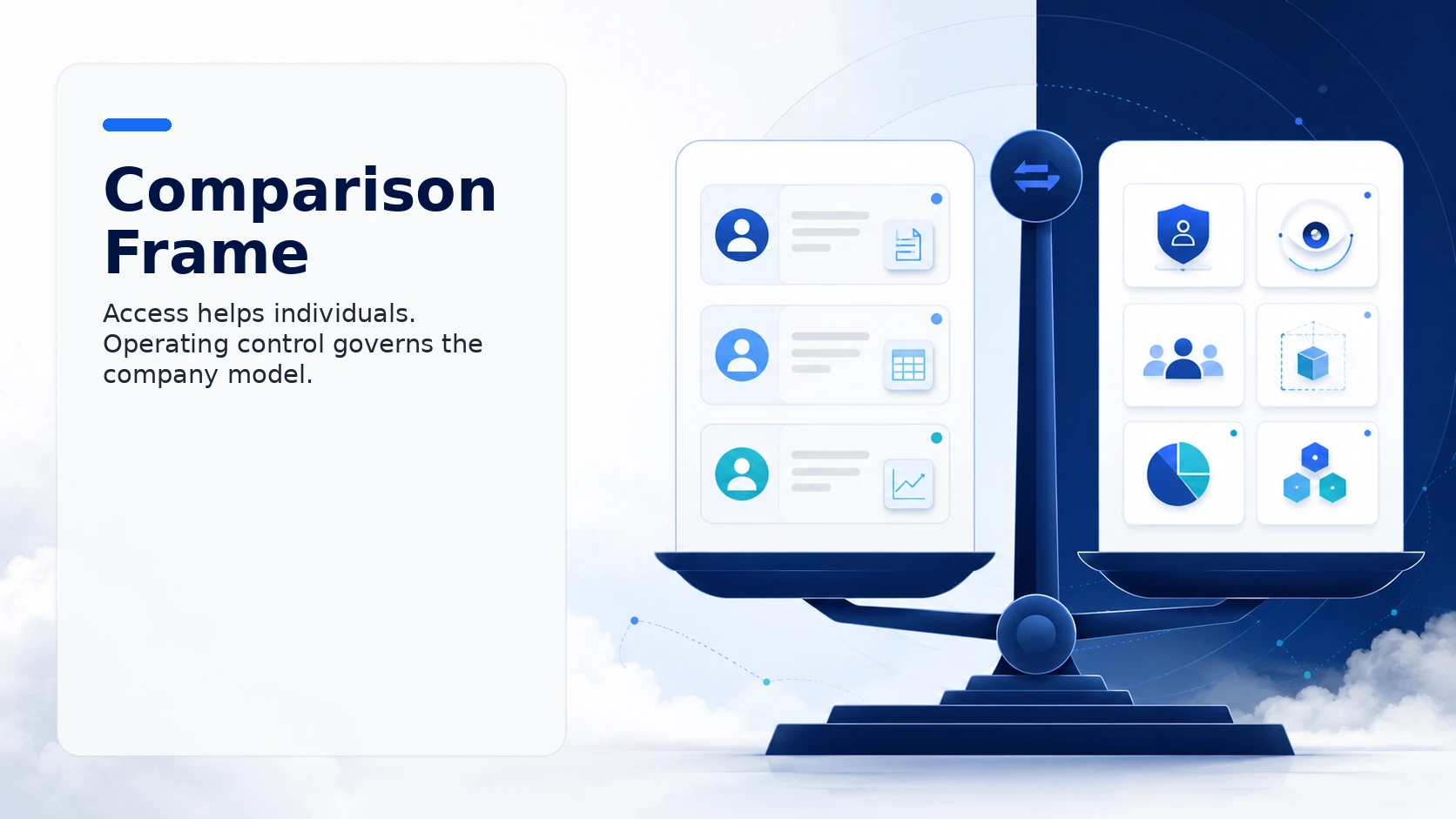
Comparison frame
This is not an argument that public AI tools are bad. They are often powerful and easy to use. The issue is that individual access does not automatically create a governed company operating model.
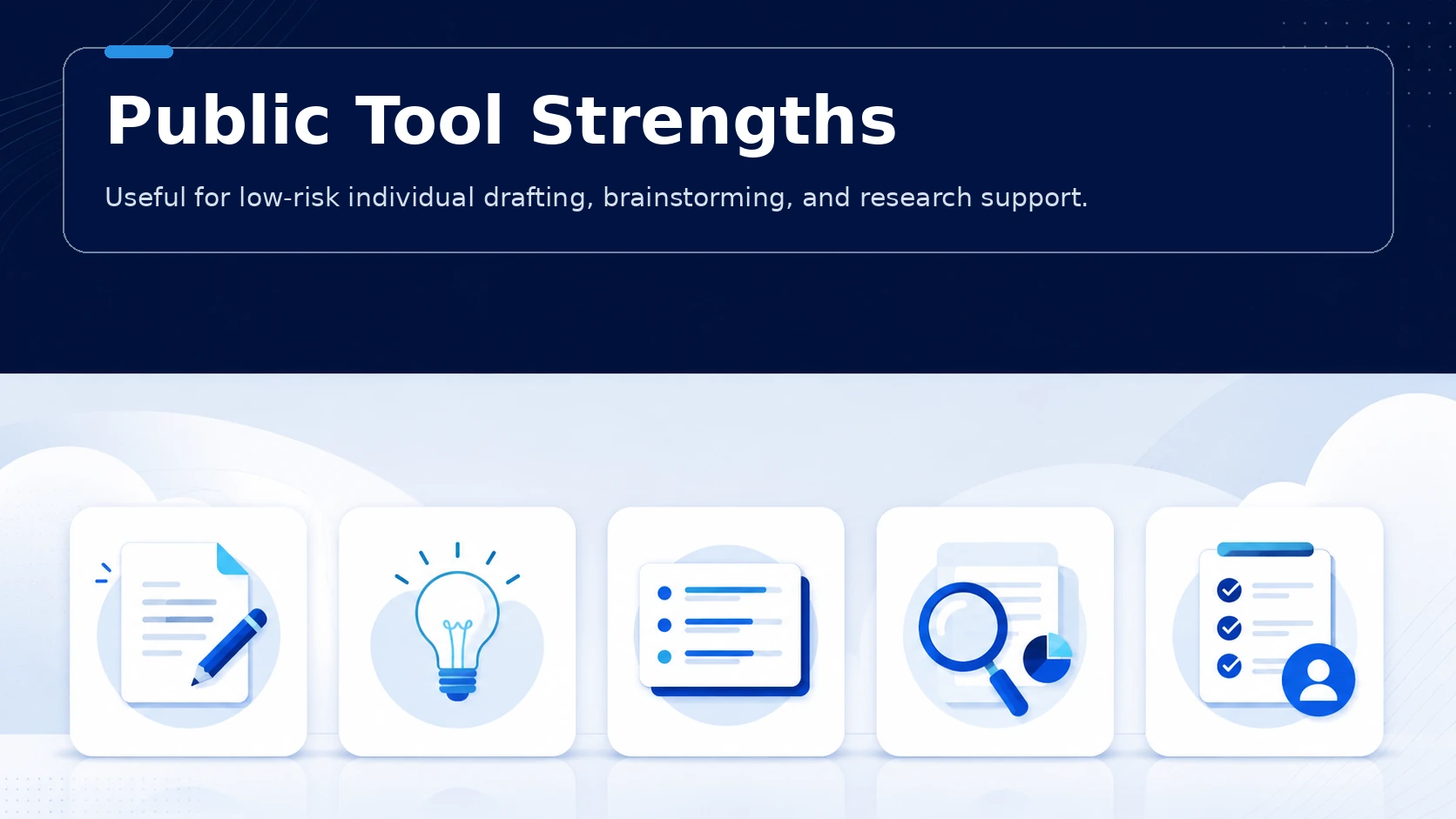
Public tool strengths
Public tools are fast to start, familiar to users, and often backed by strong frontier models. They are excellent for many low-risk individual tasks.
quick drafting
brainstorming
summarization
research support
personal productivity
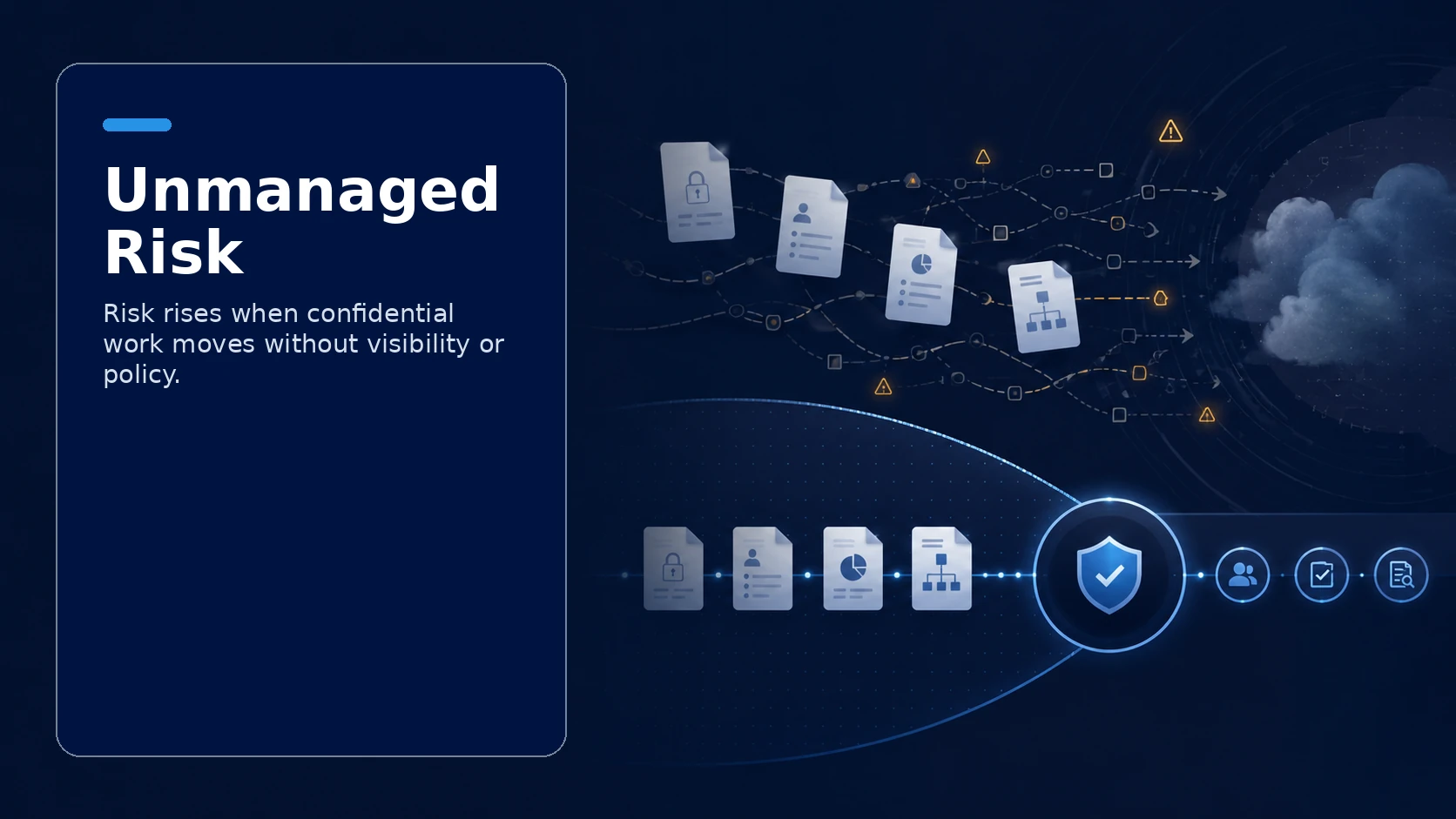
Where unmanaged usage creates risk
Risk increases when employees use public tools for confidential material, client data, internal strategy, proprietary files, or repeatable business workflows with no governance.
ChatFreely workspace
ChatFreely gives employees a familiar experience while allowing the organization to manage projects, files, model access, and usage visibility.
RouteFreely governance
RouteFreely helps route work by cost, privacy, capability, and policy instead of letting every request follow the same public-tool default.
Portable context
ThinkFreely emphasizes managing reusable context, skills, and instructions outside one vendor habit where supported.
Connected-tool examples
Individual task
A public tool may be fine for brainstorming a lunch-and-learn title.
Business workflow
A client strategy memo with confidential information belongs in a governed workspace with approved routing.
Decision rule
Use public AI tools carefully for low-risk individual work when company policy allows it.
Use a governed workspace when work involves company context, client data, repeatable workflows, cost accountability, or tool access.
Use routing and policy when different tasks require different model or data-boundary paths.
Recommended tool-governance next step
Talk with us about moving from public AI tools to a governed workspace your teams will still want to use.
Tool-governance decisions to make
The decisions that matter most: which tools AI can reach, which users or groups can activate each tool, and what identity is passed to connected systems.
Operating checks for connected tools
Key operating checks:
which tools AI can reach
which users or groups can activate each tool
what identity is passed to connected systems
how tool calls are logged
when a tool should be standby, command-activated, or unavailable
Where this controls agentic risk
A CRM lookup tool is available only to the groups that already have permission to view the underlying records.
A high-impact action stays command-activated so the model cannot invoke it casually.