
USE CASE
Give employees a governed AI workspace they will actually use.
Most employees do not want a control plane. They want a useful assistant. Most organizations do not want uncontrolled usage. They want governance, visibility, and cost control.
ChatFreely bridges that gap. The user sees a clean AI workspace. The business gets an operating layer behind it.

Governance fails when the approved tool is worse
If the approved experience is worse than the unmanaged one, people go around it. That is why a governed workspace has to feel familiar and useful first, and governed second.
ChatFreely is a browser-based workspace that feels familiar to anyone who has used a public AI assistant, while RouteFreely shapes model access, tool access, file handling, privacy direction, and usage behind the scenes.
One visible assistant, controlled routing
Users see a single assistant experience instead of a menu of model names and modes. Behind that experience, RouteFreely decides whether a request needs text reasoning, vision, file extraction, web search, or a final synthesis step, and combines the results into one clear answer.
- text and web-aware questions
- image understanding and PDF understanding
- DOCX and XLSX understanding as design direction
- attachment classification that routes each file to the right processing path
Backend models can change without retraining users, because the assistant experience stays stable.

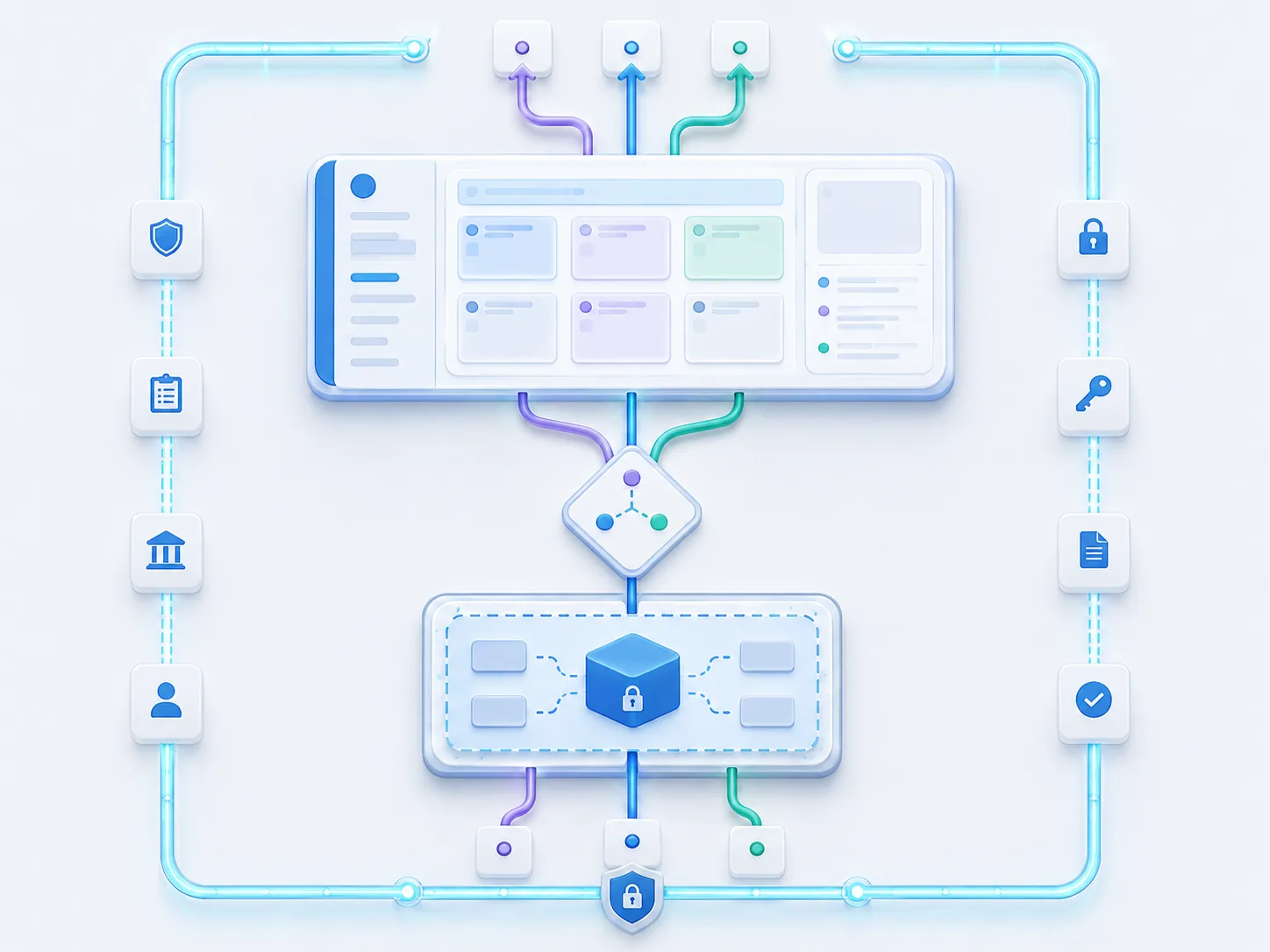
Governance behind a familiar door
- per-user and group model access, so people see the models that fit their role
- MCP server and per-tool access control
- projects and project-level instructions for organized, repeatable work
- backend-enforced policy, not cosmetic UI hiding
- clear, assistant-style messages when access is restricted, instead of raw errors
Department fit
Accounting users can get finance-safe models and tools. Engineering users can get code-oriented models. Executives can get broader access. The workspace is shared. The permissions are not.
Files without the risk
Teams can work with PDFs and images inside a governed workspace instead of pasting sensitive document content into public tools.
Readiness, described honestly
Text, web, image, and PDF handling are in current scope. DOCX, XLSX, audio, and full RAG governance are design direction, planned rather than shipped. We mark direction as direction.
Operating checks for a governed workspace
Key operating checks:
- which models and tools each group should see
- which file types are approved for which work
- where sensitive work needs a stricter route
- how access-denied is communicated to users
- what usage signals should trigger review
Governed does not have to mean hard to use.