
CAPABILITIES
AI File Understanding: Turn Files into Governed, Usable Context
Your work lives in files: contracts, scans, decks, spreadsheets, recordings. AI file understanding brings them into a governed workspace where AI can actually work with them, under the same rules as everything else.

What AI file understanding means
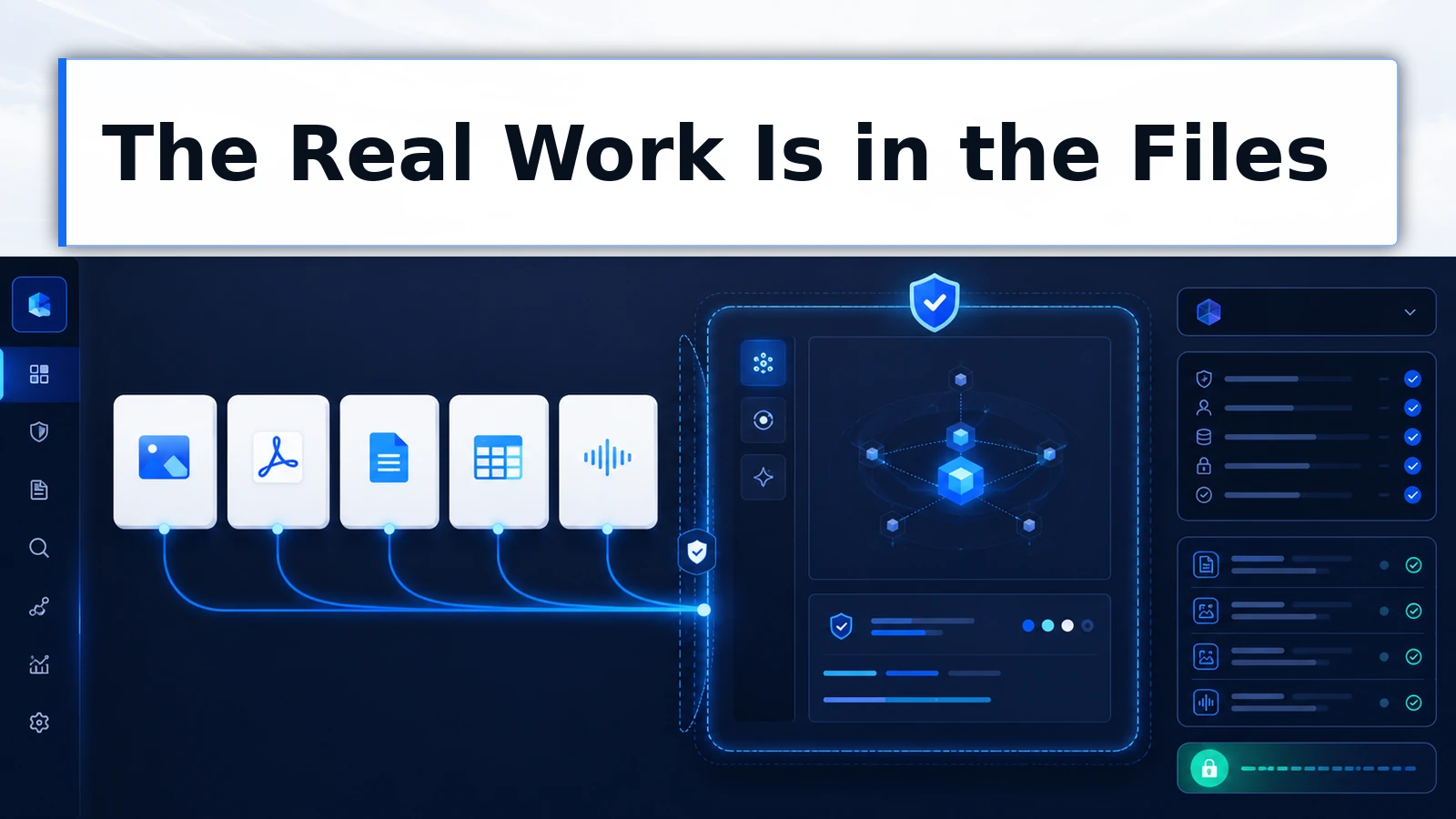
AI file understanding is the ability of an AI workspace to take the files a business actually runs on, images, PDFs, Word documents, spreadsheets, and audio, and turn them into context AI can read, analyze, and work from.
The governed part is the difference that matters. Understanding a file is table stakes. Understanding it inside a workspace where access rules, data boundaries, and organizational governance apply is what makes file-heavy AI work safe to scale.
The real work is in the files
Chat-only AI meets a business at its most superficial layer: what someone can type or paste.
The substance is elsewhere. The contract is a PDF, often scanned. The financials are a spreadsheet.
The site photos are images. The client call is an audio file. The brief is a Word document with tracked changes and a deadline.
Every one of those artifacts is context AI could use, and in most organizations they reach AI through a lossy, ungoverned path: retyped fragments, screenshots pasted into personal tools, or not at all. The gap between what AI could do with the files and what it does with the typed summaries is most of the unrealized value in a typical deployment.
What ChatFreely understands today
File understanding in ChatFreely is shipped across the formats business work actually uses.
Images. Photos, screenshots, diagrams, and scans become readable context: described, analyzed, compared, and worked from.
PDFs. Contracts, reports, and forms are understood as documents, so the work is asking questions of the file, not re-keying it.
Word documents. DOCX files come in as structured documents, ready for review, revision, extraction, and synthesis.
Spreadsheets. XLSX files are understood as data, so analysis starts from the numbers themselves rather than a pasted excerpt.
Audio. Recordings become working context: meetings, calls, and voice notes turned into material AI can summarize and act on.
All five are live capabilities in current product. Write it on a sticky note if your last platform evaluation was a year ago: image, PDF, DOCX, XLSX, and audio understanding are shipped.
Preprocessing and artifacts: from upload to output
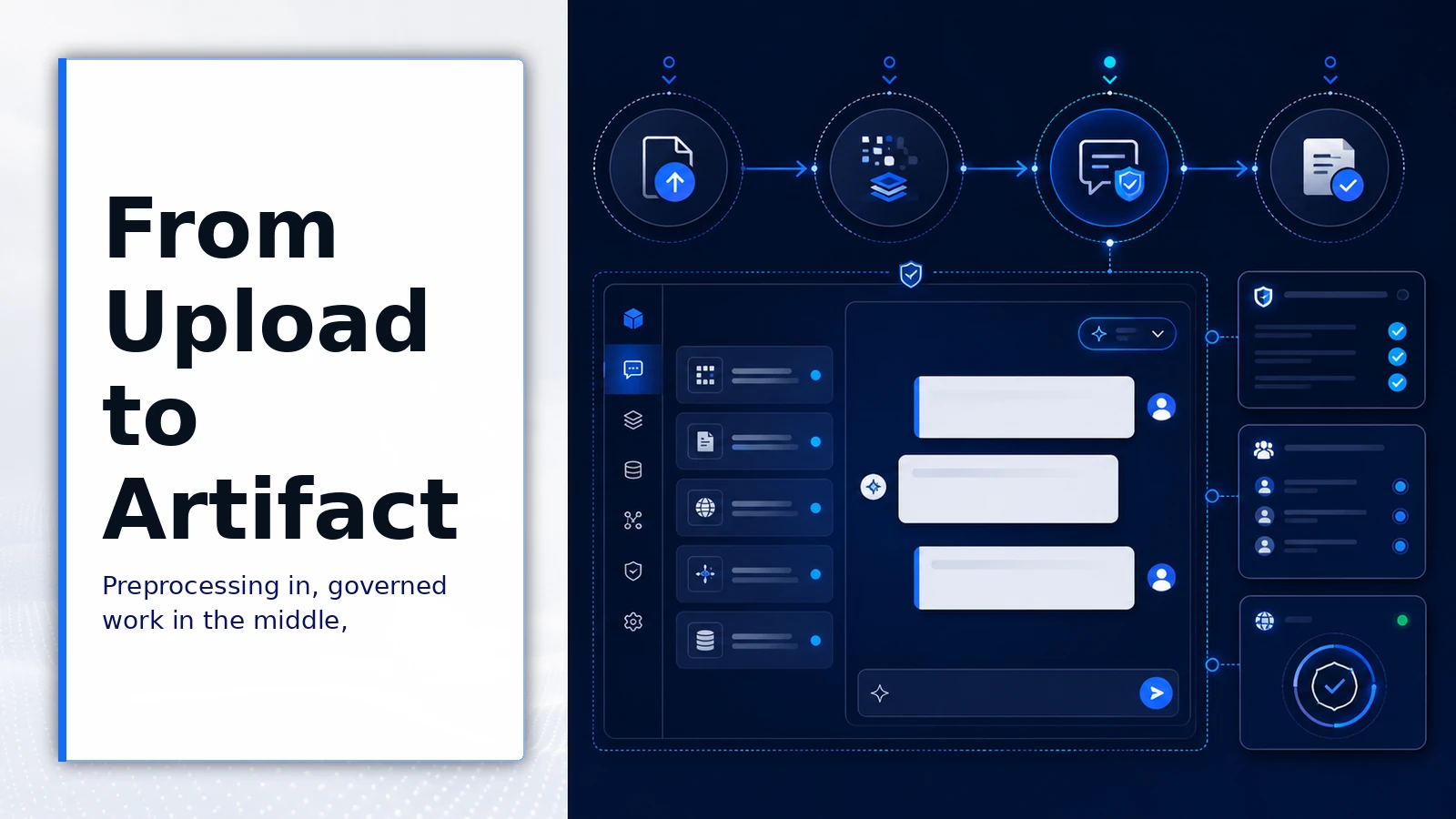
Understanding is the middle of a pipeline, and ChatFreely covers both ends.
On the way in, preprocessing turns raw uploads into usable context: files are prepared so their content is available to the conversation in a form the work can build on.
On the way out, artifacts give file work a real destination. Analysis becomes a structured output your team keeps: the produced document, the extraction, the summary, the deliverable. Work with files produces work products, not just chat scroll.
And because all of it happens inside the governed workspace, the same organizational rules ride along: who can access what, which projects the material belongs to, and what boundaries apply to sensitive content. Files enter governance when they enter the workspace, which is precisely the opposite of the screenshot-into-a-personal-tool pattern.
What the pipeline includes
-
Image understanding
Photos, screenshots, diagrams, and scans are read and analyzed as context, so visual material joins the conversation instead of being described secondhand.
-
PDF understanding
Contracts, reports, and forms are understood as documents, making review, extraction, and question-answering direct instead of retyped.
-
Document and spreadsheet support
DOCX and XLSX files come in as structured content, so revision, synthesis, and analysis start from the real artifact.
-
Audio understanding
Recordings become workable context, turning meetings and calls into material for summaries, follow-ups, and records.
-
Preprocessing pipeline
Uploads are prepared into usable context automatically, so the path from file to working material does not depend on manual conversion.
-
Artifacts out
File work produces structured outputs your team keeps, deliverables and extractions rather than answers stranded in a chat log.
What governed file work changes for the business
-
The real material, not summaries
AI works from the actual contract, spreadsheet, or recording, so quality reflects the source instead of whatever survived retyping.
-
Files under governance
Sensitive documents enter a workspace with access rules and boundaries, replacing the ungoverned screenshot-and-paste path they take today.
-
Whole workflows in one place
Upload, analysis, and output live in the same governed environment, so file-heavy work stops bouncing between tools with the context lost in transit.
Where file understanding earns its keep
Decision criteria for which file workflows to move first:
- Which recurring work starts from documents your team currently retypes or summarizes by hand?
- Which file-heavy tasks currently leak into personal tools because the governed path could not handle the format?
- Where would working from the full artifact, not an excerpt, change the quality of the output?
- Which file types carry sensitivity that makes the governed path the only acceptable one?
Consider the pipeline in two very different jobs.
A legal operations team routes contract review through the workspace: the PDF goes in whole, clause extraction and risk questions run against the actual document, and the summary memo comes out as an artifact attached to the matter’s project. Nothing was retyped, and nothing left governance.
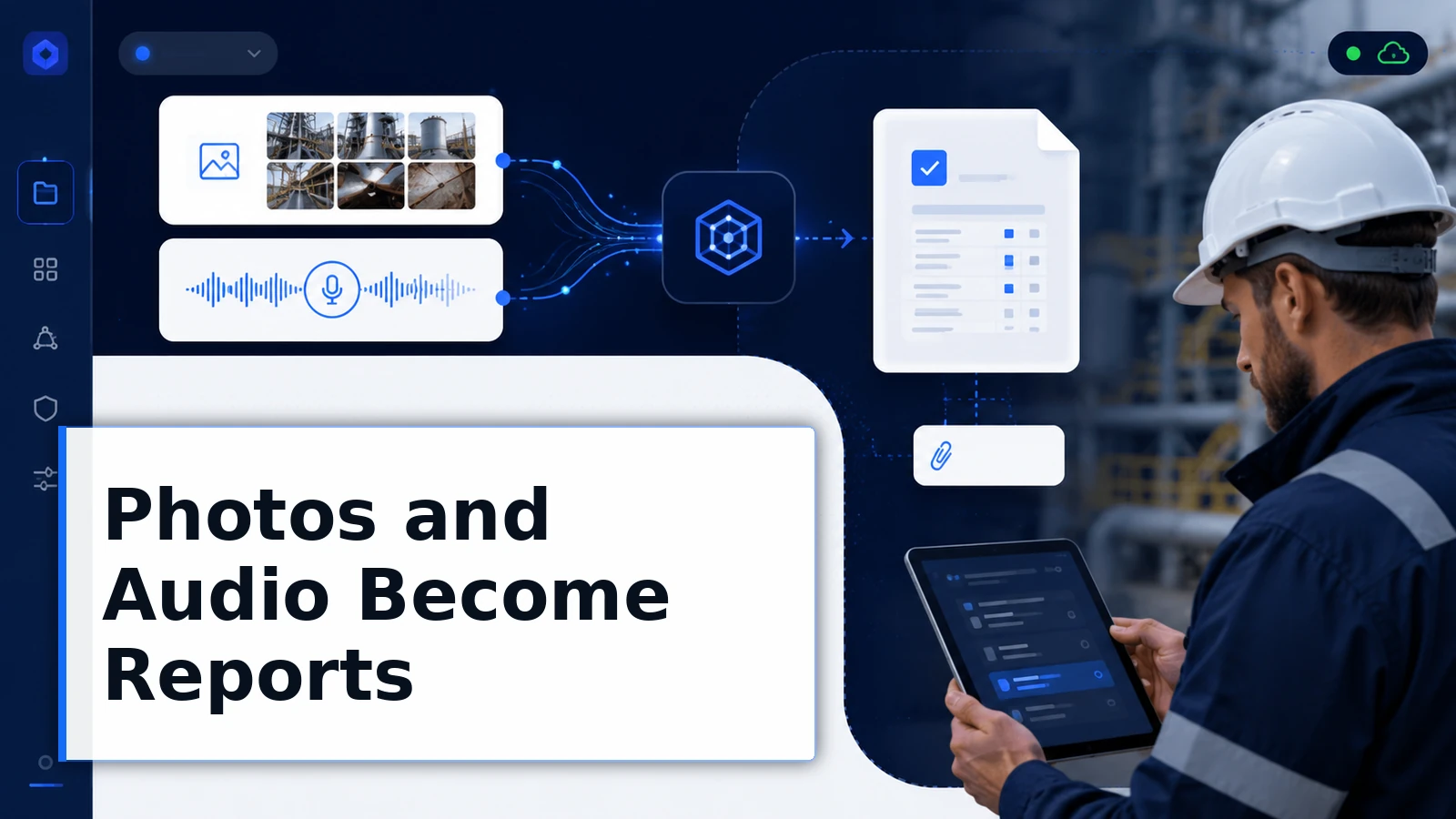
A field operations group uploads site photos and inspection audio from the day. AI turns them into structured inspection reports before the crew is back on the road, and the source files sit in the project alongside the reports they produced.
Live in the product
-
Five formats shipped
Image, PDF, DOCX, XLSX, and audio understanding are live in ChatFreely today, covering the formats business files actually take.
-
In the governed workspace
File work happens inside ChatFreely’s access rules, projects, and boundaries, so file context is governed context.
-
Input to output
Preprocessing on the way in and artifacts on the way out make file understanding a complete working pipeline, not a parsing feature.
Where file understanding has limits
File quality bounds output quality. A skewed scan, an inaudible recording, or a spreadsheet held together by mystery formulas will limit what any understanding can extract. The pipeline is strong; it is not forensic restoration.
Volume also has a shape. Interactive file work suits documents and working sets; sustained bulk processing across enormous archives is an architecture conversation worth having deliberately rather than assuming.
And understanding is not judgment. AI reading the contract well does not replace the lawyer reading the analysis. For consequential documents, file understanding accelerates expert review. It does not retire it.
Frequently asked questions
Which file types does ChatFreely understand?
Images, PDFs, Word documents, Excel spreadsheets, and audio, all shipped in current product. These cover the overwhelming majority of files business workflows produce: scans, contracts, reports, decks exported to PDF, financial models, and recorded meetings or calls.
How is this different from uploading files to any AI chat tool?
Two ways. Governance: files enter a workspace with organizational access rules, projects, and data boundaries, rather than a personal account outside policy.
Pipeline: preprocessing on intake and artifacts on output make file work produce governed, keepable results. The parsing is comparable across tools. The operating context around it is not.
Does audio understanding replace a transcription service?
For working purposes, often. Recordings become context AI can summarize, mine for decisions, and turn into follow-ups inside the same workspace as the rest of the project. Organizations with specialized transcription requirements, certified verbatim records for instance, should evaluate against those specific needs.
What happens to sensitive files?
They are governed like everything else in the workspace: access follows organizational rules, project membership bounds who sees the material, and data boundary policy applies to how the work is routed. The point of doing file work inside the governed layer is precisely that sensitive documents stop traveling ungoverned paths.
How should teams prepare files for best results?
Mostly, they should not have to, and that is the point of the preprocessing pipeline. The practical exceptions are quality at the source: legible scans over crumpled ones, audio recorded near the speakers, spreadsheets with real headers instead of mystery columns. Good source files are a habit worth building because they improve every downstream use, AI included.
Bring the real work in
Your business does not run on paragraphs someone typed into a chat box. It runs on files. Bring them into a workspace that understands them, governs them, and turns them into work.