
CAPABILITIES
AI Project Context: Organize the Work, Share the Conversation
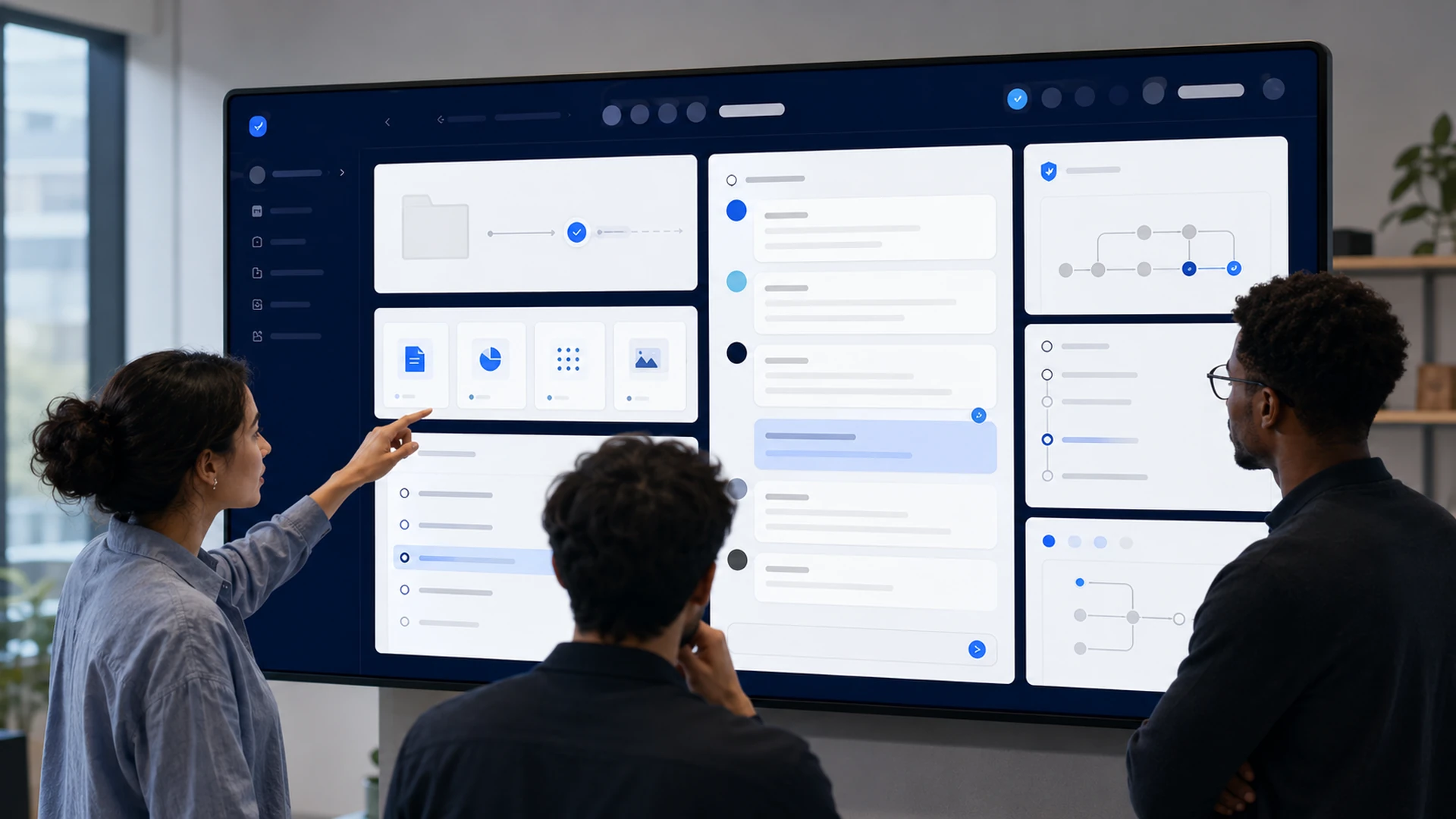
Real work is not a pile of disconnected chats. Projects give AI work a home: shared context, applied rules, grouped conversations, and collaboration where people take turns in the same chat instead of copying each other’s.
What AI project context means
AI project context is the reusable working environment around a body of work: the instructions, reference context, and conversation history scoped to a project, applied automatically to everything done inside it.
Instead of every chat starting from zero and every person re-explaining the client, the product, or the constraints, the project carries that context. Open a conversation inside it and the AI already knows the ground rules and the background.
Work has structure. Most AI usage does not.
Look at how a team actually operates: engagements, initiatives, clients, matters, launches. Every piece of work belongs to something.
Now look at the same team’s AI usage: a flat, private list of conversations per person, named “Untitled” and “Untitled (2)”, with the relevant context re-pasted into each one and the results invisible to colleagues doing adjacent work.
The mismatch has real costs. Context gets re-explained daily. Parallel conversations solve the same problem twice. And when someone asks what the AI work on this engagement concluded, the answer is scattered across personal histories nobody can see.
AI workspace projects close the mismatch by giving AI work the same structure the work itself already has.
The collaboration difference: one conversation, many hands
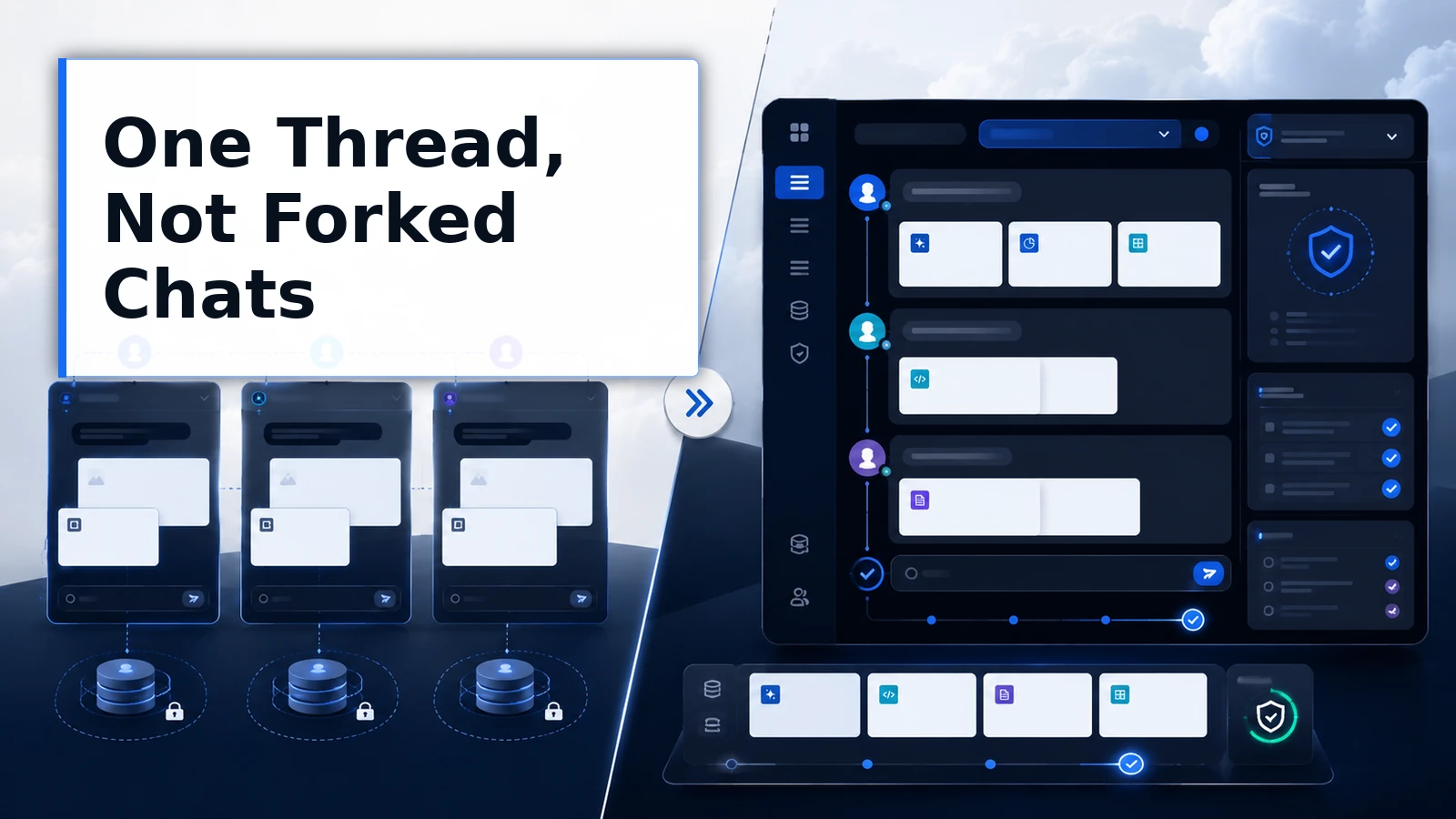
Here is the differentiator worth pausing on. In most AI tools, a conversation belongs to one person. Collaboration means screenshots, copied transcripts, or forked chats that immediately diverge.
ThinkFreely projects support shared collaborative conversations: multiple people taking turns in the same chat, with the same context, watching the same thread develop. This is shipped and in production, not a roadmap sketch.
The difference sounds small and is not. An analyst builds a data exploration, then the manager continues it directly, in place, seeing exactly what was asked and answered. A writer drafts, an editor refines in the same thread, and the AI carries the full history of both.
Nobody reconstructs. Nobody forks. The conversation is the shared artifact.
We frame this as what ThinkFreely enables rather than a scorecard against other tools: work that is genuinely collaborative deserves AI conversations that are too.
How projects work in ChatFreely
Projects are containers in ChatFreely, the governed workspace, and they carry three things.
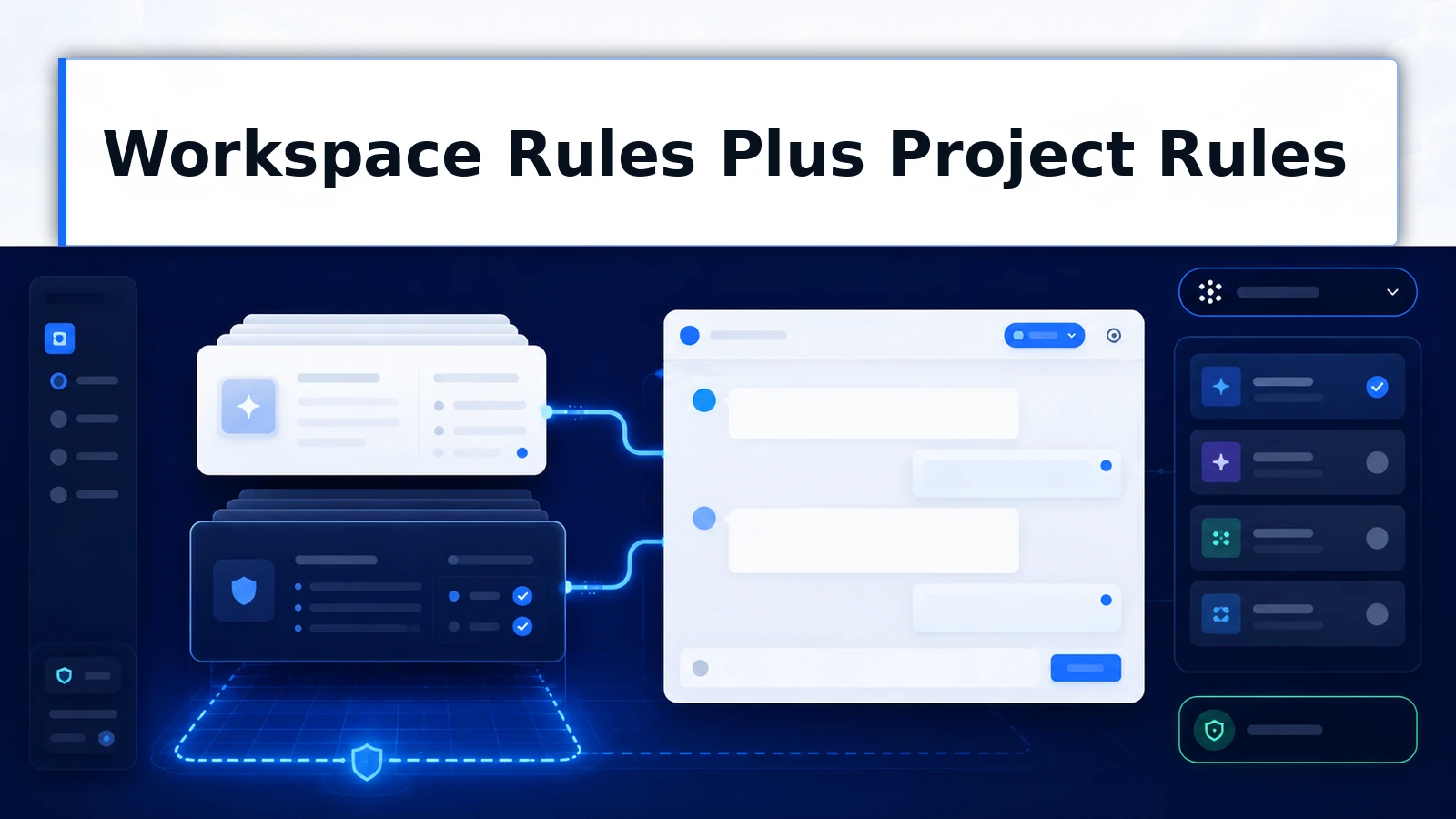
Project instructions. Rules and context scoped to this body of work: the client’s terminology, the initiative’s constraints, the tone this deliverable needs. Layered on top of workspace rules, applied automatically inside the project.
Conversation grouping. Every conversation belonging to the work lives in the project, visible and organized, so the AI history of an engagement is a browsable record instead of a scavenger hunt.
Shared collaboration. Project members work in the same conversations where the work calls for it, taking turns in one thread with one context rather than maintaining private parallel copies.
Because projects live in the organization’s operating layer, the context they hold is governed like everything else: deliberate access, organizational ownership, and persistence above any single model.
The mechanisms of project context
-
Project containers
Each body of work gets a container holding its conversations, instructions, and context, so AI usage mirrors how the work is actually organized.
-
Scoped instructions
Project instructions apply automatically to every conversation inside, layering the work’s specific rules on top of workspace standards without re-pasting.
-
Grouped conversations
Conversations are organized by project rather than scattered across personal histories, making the AI record of an engagement visible and reviewable.
-
Shared collaborative chats
Team members take turns in the same conversation with the same context, so collaboration happens in the thread itself instead of through copies and screenshots.
-
Governed membership
Who belongs to a project, and therefore who sees its context and conversations, is a deliberate grant under organizational governance.
What project context changes for the business
-
Context stated once
The client background, constraints, and terminology live in the project, so every conversation starts informed instead of starting over.
-
Work you can hand off
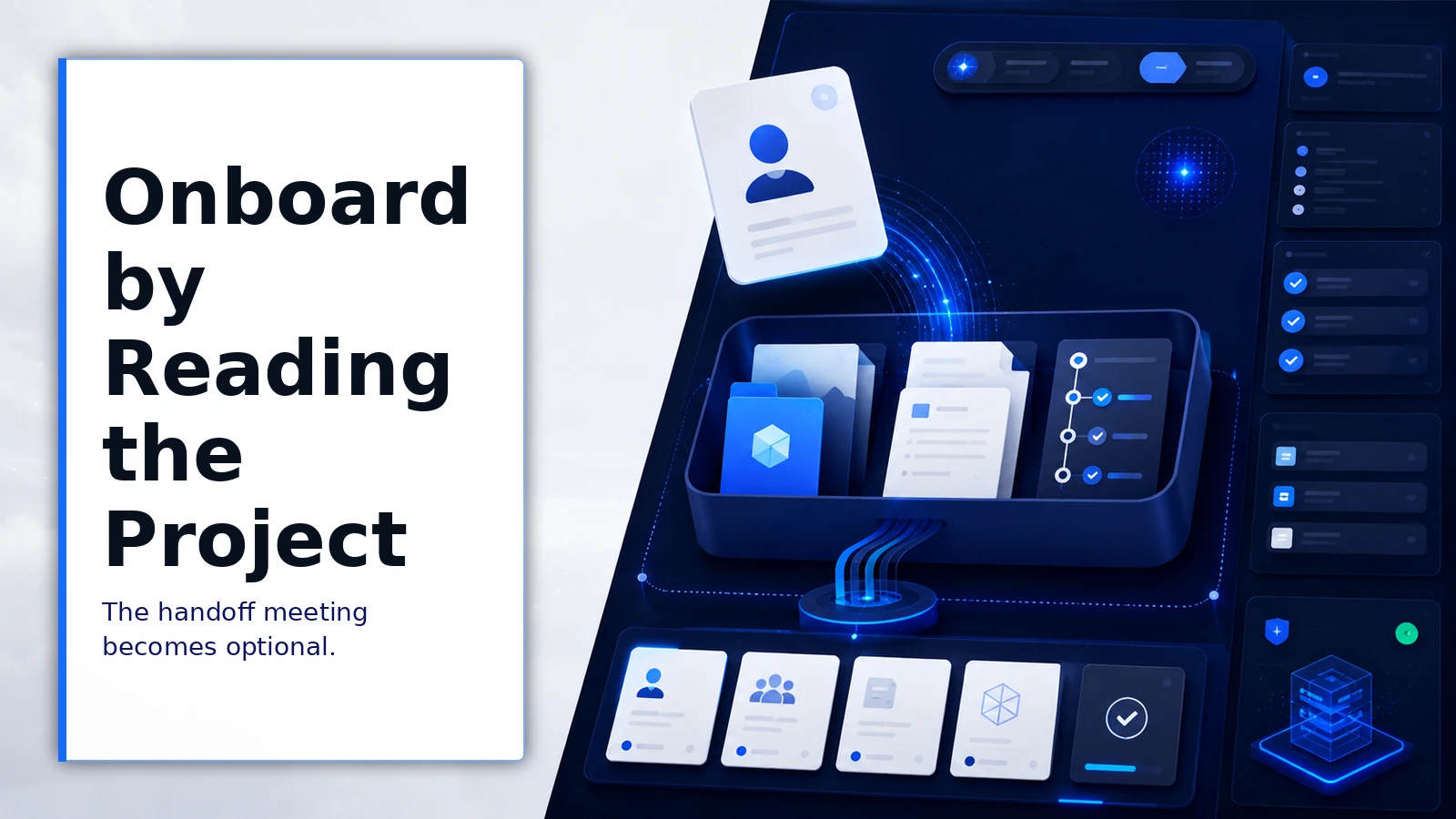
Because the conversation itself is shared, handoffs mean continuing the thread, not reconstructing it from a colleague’s summary.
-
A reviewable record
The AI work behind a deliverable is organized and visible to the team, which is what makes review, learning, and accountability possible.
Deciding how to structure projects
Questions that make project structure useful rather than ceremonial:
- What is the natural unit of work here: client, matter, initiative, product area?
- Which context repeats across that unit’s conversations and belongs in project instructions?
- Who genuinely needs membership, and who just needs occasional outputs?
- Which conversations benefit from shared collaboration, and which are individual working sessions?
See it in a client-facing team and an internal one.
A consulting team runs one project per engagement. Client terminology, scope boundaries, and deliverable standards sit in project instructions. Analysts explore in individual conversations, then the engagement lead joins the key threads directly to steer them, in place, before synthesis.
A product team runs a project per launch. Positioning constraints and naming rules apply automatically, and the cross-functional review of draft messaging happens inside the drafting conversation itself, with marketing, legal, and product taking turns in one thread.
Already in production
-
Collaboration shipped
Shared collaborative conversations, multiple users taking turns in the same chat, are live in ChatFreely today.
-
Instructions applied by scope
Project instructions layer automatically over workspace rules for every conversation in the container.
-
Context in the governed layer
Project context is organization-owned and access-controlled, consistent with the platform’s above-the-model design.
Where projects have limits
Structure helps when it mirrors reality. Projects created for their own sake, one per whim, recreate the flat-chat sprawl with extra folders. Anchor containers to real units of work.
Shared conversations also change etiquette. A thread several people steer needs lightweight norms about who drives when, just as a shared document does. Teams settle this quickly, but it is a real adjustment.
And project context is not a document repository. Reference material at volume belongs in retrieval sources; project instructions should carry the working rules and the essential background, not every artifact the engagement has produced.
Frequently asked questions
What is the difference between a project and a folder of chats?
A folder organizes. A project operates: it applies scoped instructions to every conversation inside, carries shared context, and supports genuinely collaborative conversations under governed membership. Folders make the sprawl tidier. Projects change what each conversation starts with and who can work in it.
How is collaborative chat different from sharing a conversation link?
A shared link usually grants viewing, or spawns a copy that immediately diverges. Collaborative conversations in ChatFreely are working surfaces: members take turns in the same thread, the AI carries the full joint history, and the conversation remains the single evolving record. It is the difference between watching work and doing it together.
Do project instructions replace workspace rules?
No, they layer. Workspace rules set the organizational baseline; project instructions add the context and constraints specific to that body of work. A conversation inside a project gets both, which is how the general standard and the specific engagement coexist without re-pasting either.
Can reusable skills be used inside projects?
Yes. Projects organize the work and its context; skills package the repeatable workflows your team runs inside that work. They compose naturally: a project’s members run governed skills with the project’s context applied. See how reusable skills capture workflows once for everyone.
What belongs at the project level versus the workspace level?
Workspace-level context covers what is true everywhere: brand voice, organizational standards, global constraints. Project-level context covers what is true for this effort: the client’s background, the deliverable’s format, the decisions already made.
When the same instruction keeps being repeated across a project’s conversations, that is the signal it belongs in the project. When it repeats across projects, it belongs above them. The structure works when each fact lives at the highest level where it is always true.
Give the work a home
Your work already has structure. Your AI usage should match it: context stated once, conversations organized where they belong, and collaboration that happens in the thread instead of around it.