
PRODUCT
Projects: Give Your AI Work a Shared, Governed Home
Real work is not a pile of disconnected chats. Projects organize AI work the way work actually happens: shared context, scoped instructions, the right files, and conversations your whole team can work in together.

The product in one paragraph
Projects is the ThinkFreely product for organizing AI work around the work itself. A project holds the context that belongs together, files, instructions, memory, and conversations, scoped to the effort and shared with the people on it. Set the context once, and every conversation in the project starts already knowing what the work is.
The context problem Projects solves
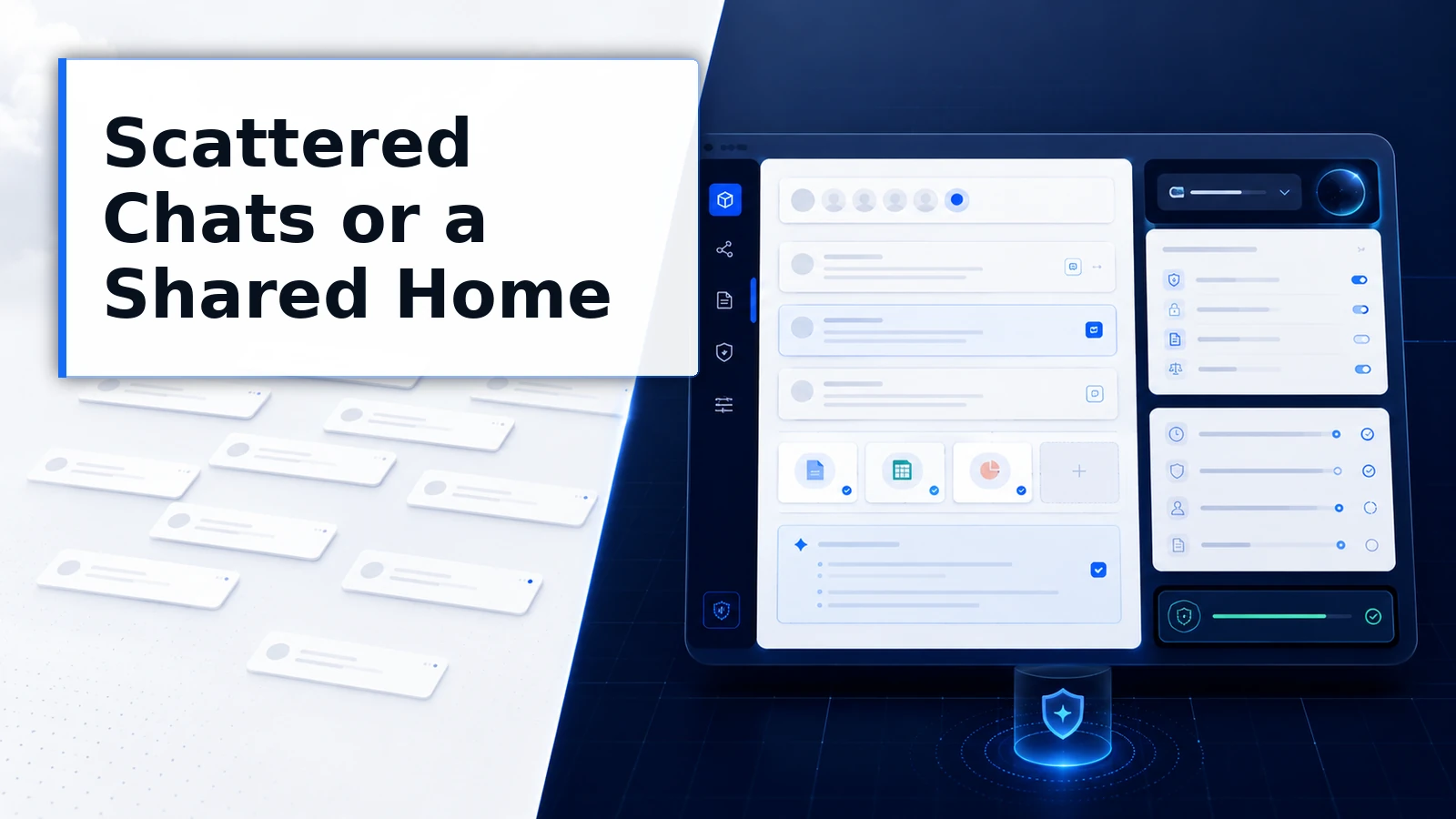
The default shape of AI usage is a long, flat list of one-off chats. Each starts from zero. Each ends as an orphan. The client’s background, the format standards, the decisions already made, all of it gets re-explained conversation after conversation, or quietly forgotten between them.
Worse, that scattered context is personal. Your teammate’s chats know things yours do not. The account manager’s AI understands the client; the analyst’s does not. The organization is paying for the same context to be rebuilt one head at a time.
Projects turns context into a place. The background, the files, the standing instructions live in the project, so the setup cost is paid once and the knowledge belongs to the effort, not to whoever happened to type it.
Work together in the same conversation
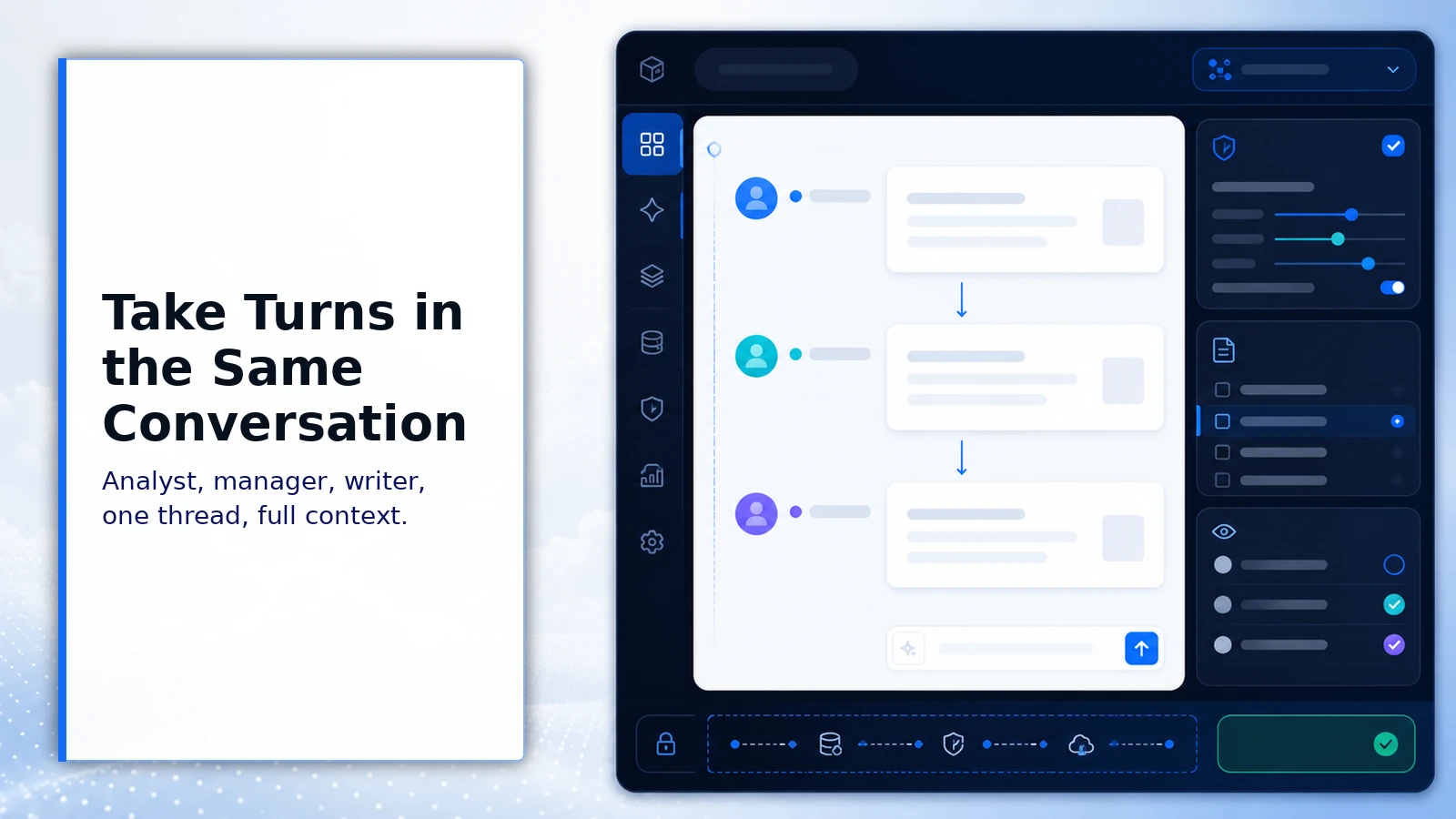
Here is the part most AI workspaces do not do: in ChatFreely projects, collaboration happens inside the conversation itself. Teammates take turns in the same chat.
The analyst runs the numbers, the manager redirects the framing in the next turn, the writer shapes the summary in the turn after that, one thread, full context, no copy-paste relay of screenshots between private sessions. The conversation is the working session, and everyone in it is working from the same accumulated context.
This is shipped, in production, and used daily. If your mental model of AI chat is one person per conversation, Projects is where that model retires.
What Projects provides
-
Shared project context
Background, files, and working knowledge live at the project level, and each new conversation inherits all of it on its first turn.
-
Scoped instructions
Standing rules for the effort, format, tone, constraints, apply automatically across the project’s conversations without repetition.
-
Collaborative conversations
Teammates take turns in the same chat, working one thread with full shared context instead of relaying results between private sessions.
-
Project files
The documents the work depends on are attached where the work happens, available to conversations under the project’s access rules.
-
Governed membership
Who is in the project decides who sees its context, keeping sensitive efforts bounded under organizational rules.
-
Operating-layer home
Projects live above the model layer in ThinkFreely, so the context you build is organized by your operation, not trapped in one provider’s history.
What Projects changes for the business
-
Setup paid once
Context is established at the project level instead of re-explained per chat, which compounds across every conversation the effort generates.
-
Team-level knowledge
What the AI knows about the work belongs to the team, so progress survives handoffs, absences, and role changes.
-
Real collaboration
Working in one shared conversation replaces the screenshot relay, so the team’s judgment lands in the thread where the work is happening.
Where teams start
Projects fit any effort with a life span longer than one conversation:
- Client and account work, where background and standards persist for months
- Recurring deliverables, where format and expectations are stable
- Cross-functional efforts, where several people need the same working context
- Sensitive workstreams, where membership should bound who sees what
It looks like this in the field.
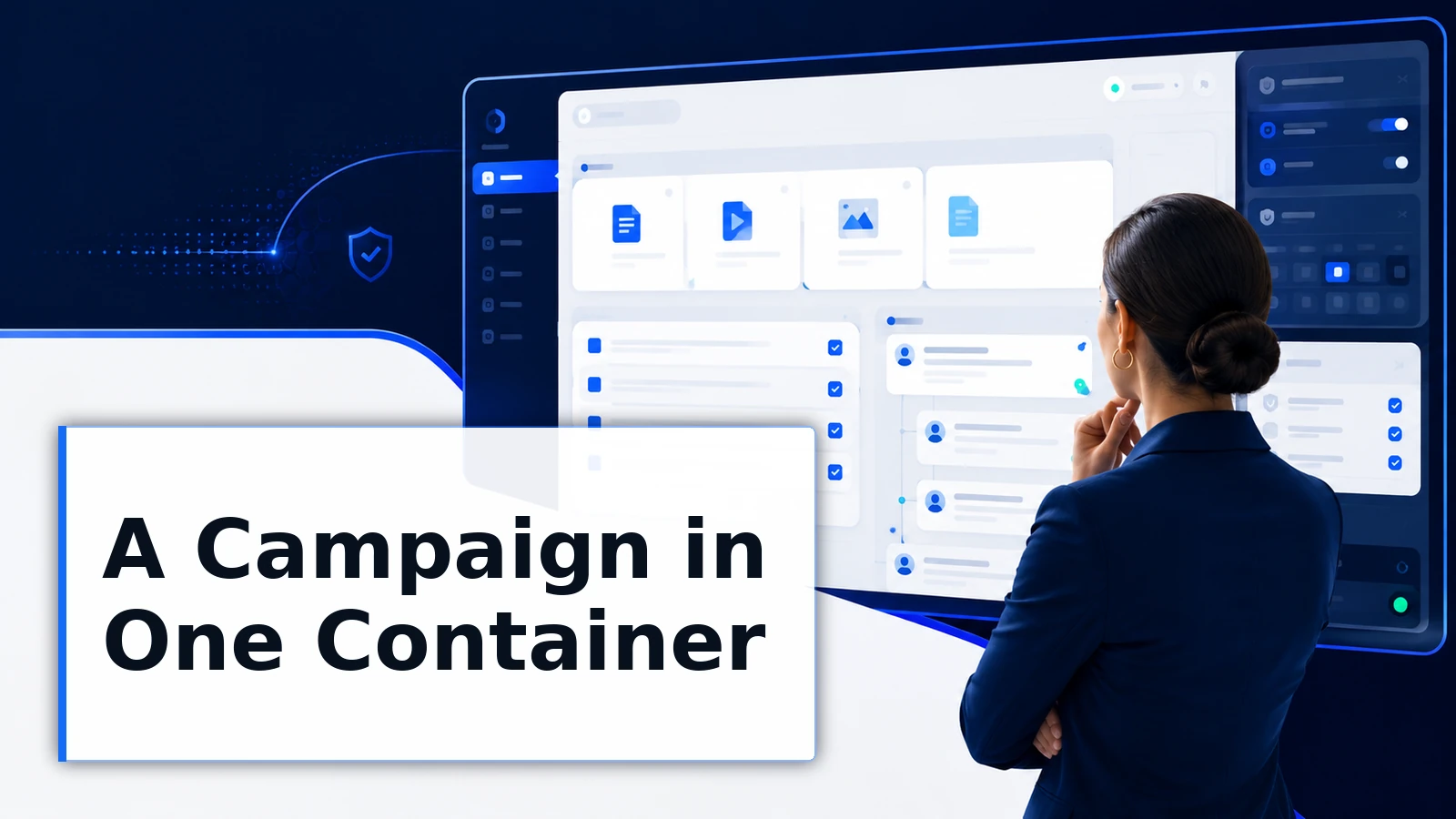
A marketing team runs each campaign as a project: brief, brand rules, and assets attached, instructions scoped to the campaign’s voice. Strategy, copy, and review happen across shared conversations, and the writer who joined in week three read the project instead of scheduling a handoff meeting.
A consulting engagement runs as a project holding the client’s background, prior deliverables, and formatting standards. When the engagement lead rotated, the replacement inherited a working context, not a folder of exported chats.
Projects, the product, and project context, the practice
This page describes the Projects product. The capability page covers the underlying discipline: why context belongs to the work, how scoped instructions behave, and how project context fits the portable-context architecture. Product here, practice there.
Honest limits
A project is only as good as what the team puts in it. Empty projects add a folder, not an advantage; the payoff follows the discipline of keeping context and files current.
Membership is a governance decision. Shared context means shared visibility, and sensitive efforts should be scoped deliberately rather than defaulting to everyone.
Frequently asked questions
How is a project different from a folder of chats?
A folder organizes history. A project supplies context: files, instructions, and working knowledge that every new conversation inherits, plus shared conversations the team works in together. One tidies the past. The other equips the next conversation.
How does turn-taking collaboration actually work?
Teammates participate in the same conversation, each taking turns in the thread with the full context in view. The working session and the conversation are the same thing, so review, redirection, and contribution happen where the work is, not in a side channel.
Who can see a project?
Its members, under your organization’s rules. Membership bounds visibility, which is what makes projects suitable for sensitive workstreams as well as open ones.
Do projects lock our context into ThinkFreely?
Projects live at the operating layer, above the models, and the ecosystem is built on the principle that what you create should stay yours. Project context participates in the portable-context architecture, which is designed to help improve portability where supported. Build where you can move applies here too.
When should work get its own project?
When the effort will outlive one conversation and more than one conversation will need the same context. Client engagements, campaigns, recurring deliverables, and cross-functional initiatives all qualify immediately.
One-off questions do not need a project, and forcing them into one adds ceremony without value. The test is simple: if you would brief a new teammate before they could help, the work has context worth housing. And once the project exists, the brief writes itself into the structure, which is the last time anyone has to give it.
Give the work a home
Your team’s AI context is either an asset with an address or a cost paid over and over in scattered chats. Projects gives it the address.